







































Proin euismod elit at viverra condimentum. Donec ornare sodales tincidunt. Integer fringilla suscipit erat a ornare. Curabitur ullamcorper varius congue. Donec congue commodo ex in ullamcorper. Cras vitae lectus gravida, gravida nunc ut, hendrerit lorem. Donec nec mattis metus, ut posuere odio. Integer ut ultrices nibh.


Share


Free Shipping
Free standard shipping on orders over $99.
Estimated to be delivered on 01/12/2022 - 10/15/2022.
Free Shipping
Devoluções Grátis
Learn More.
Devoluções Grátis
Covid-19 Shipping Delay Notice
Covid-19 Shipping Delay Notice
Returns Policy
You may return most new, unopened items within 30 days of delivery for a full refund. We'll also pay the return shipping costs if the return is a result of our error (you received an incorrect or defective item, etc.).
You should expect to receive your refund within four weeks of giving your package to the return shipper, however, in many cases you will receive a refund more quickly. This time period includes the transit time for us to receive your return from the shipper (5 to 10 business days), the time it takes us to process your return once we receive it (3 to 5 business days), and the time it takes your bank to process our refund request (5 to 10 business days).
if you need to return an item, simply login to your account, view the order using the "Complete Orders" link under the My Account menu and click the Return Item(s) button. We'll notify you via e-mail of your refund once we've received and processed the returned item.
Shipping
We can ship to virtually any address in the world. Note that there are restrictions on some products, and some products cannot be shipped to international destinations.
When you place an order, we will estimate shipping and delivery dates for you based on the availability of your items and the shipping options you choose. Depending on the shipping provider you choose, shipping date estimates may appear on the shipping quotes page.
Please also note that the shipping rates for many items we sell are weight-based. The weight of any such item can be found on its detail page. To reflect the policies of the shipping companies we use, all weights will be rounded up to the next full pound.
Use the custom tab to tell customers about your product. List product features, technical specifications, and visual attributes. A detailed description will help us show your product to the right customers.
Product Description
TRENDY & STYLISH
100% HANDMADE
Proin euismod elit at viverra condimentum. Donec ornare sodales tincidunt. Integer fringilla suscipit erat a ornare. Curabitur ullamcorper varius congue. Donec congue commodo ex in ullamcorper. Cras vitae lectus gravida, gravida nunc ut, hendrerit lorem. Donec nec mattis metus, ut posuere odio. Integer ut ultrices nibh.
Please confirm your machine model before purchasing~
For Redmi Pad Pro 12.1 inch Tablet.
Please note
English Keyboard: There are only English letters on the keyboard.
Multilingual keyboard version: English letters and language letters engraved together.
Note: The digital tablet and pen are not included in the package. The detailed description is for reference only. Please refer to the actual product for the color of the product.  Comfortable laptop entry experiencelike
Simple chocolate keycaps, good rebound effect, comfortable typing 
Detachable keyboard
Can be used alone 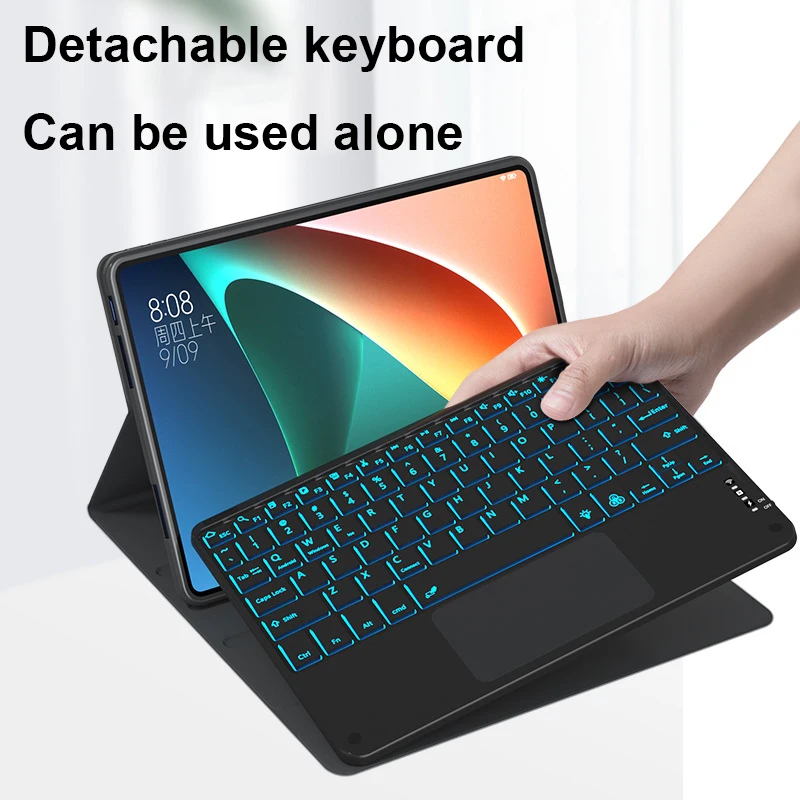 Really complete shocking protection
Cormer Design Bubble Protect Tablet from Incidental Collisions  It's both a Magic Keyboard and a tablet case
Closing the lid is a tablet case, opening it is the Magic Keyboard  UItra-Thin and Easy to Carry
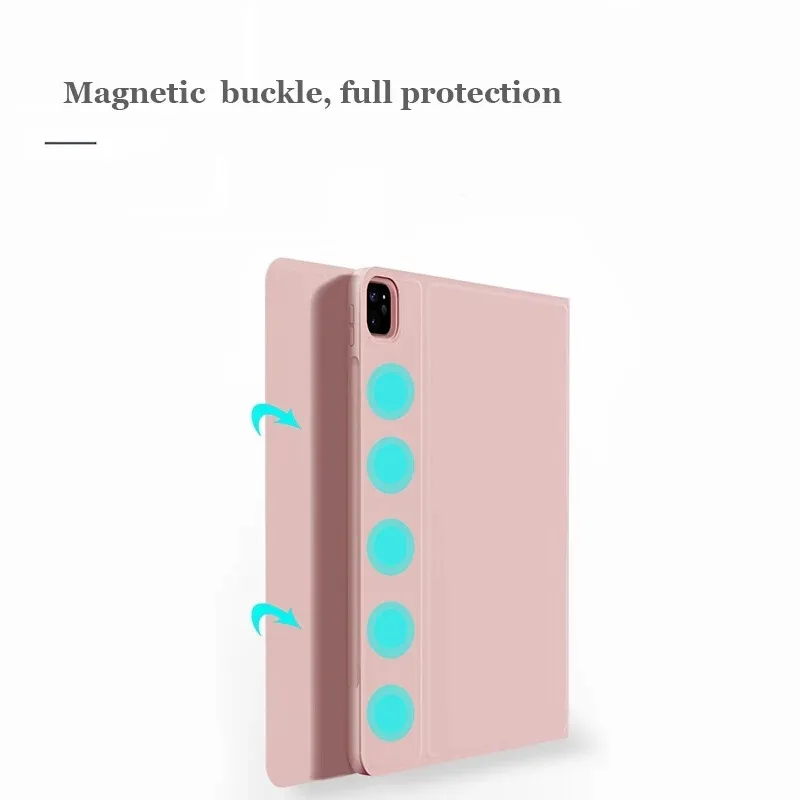
  Magnetic buckle, full protection
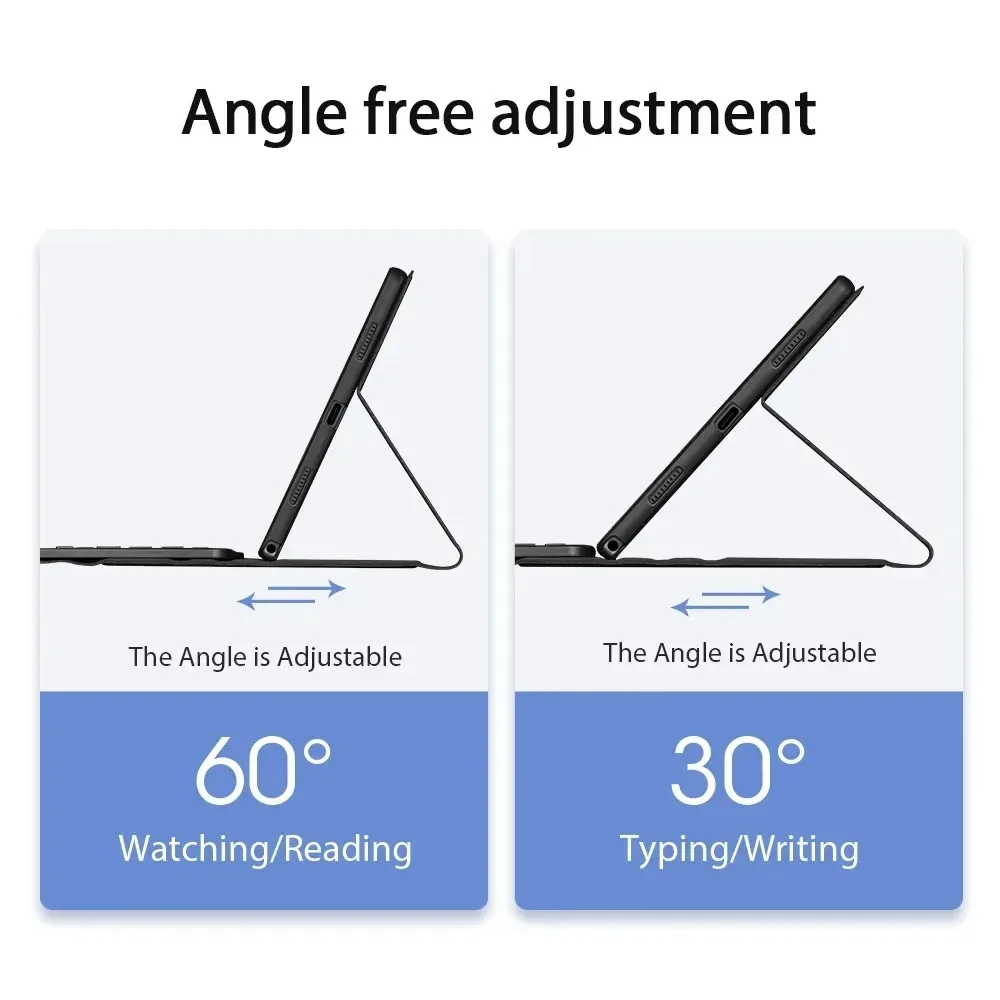
  Free angle adjustment
  Exquisite appearance
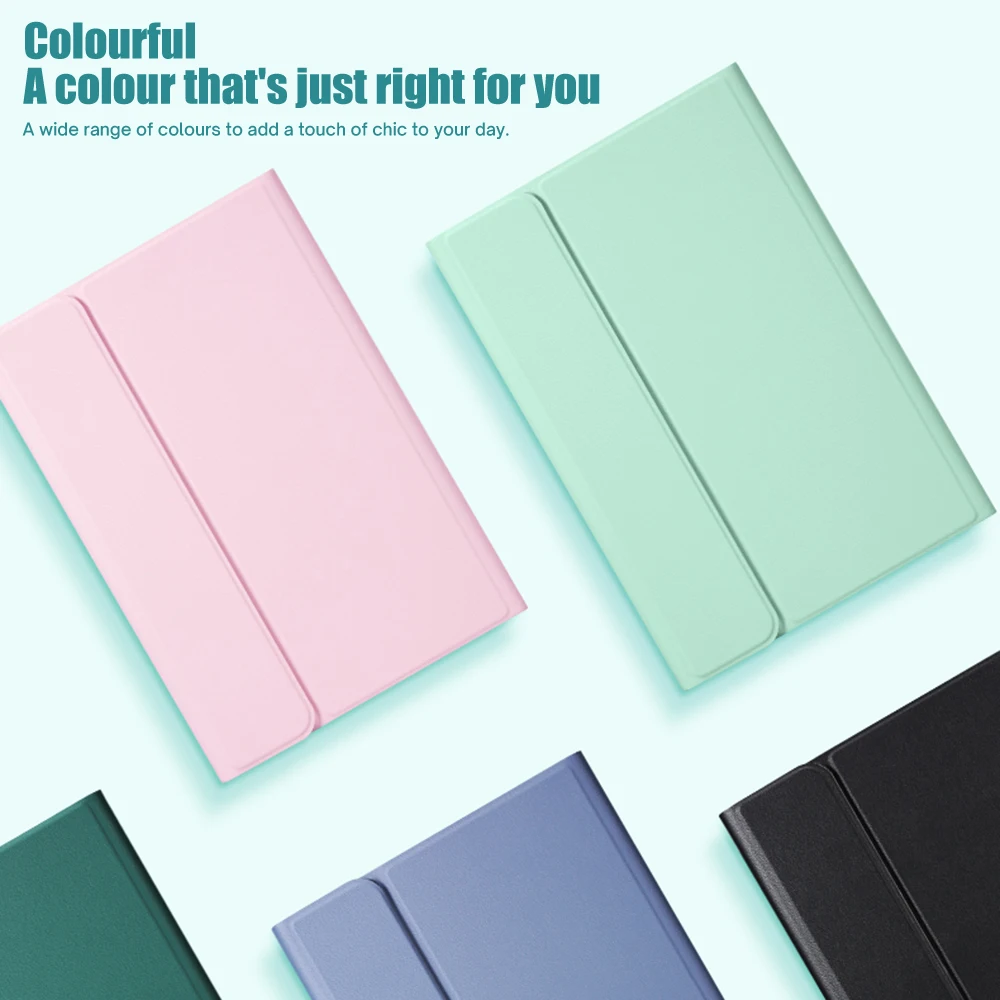
Various styles and colors to choose from

 Bluetooth Direct Connection
Tablet becomes notebook
Lag-free keyboard connects to any Bluetooth device  How to connect keyboard and mouse?
1 , Connect the mouse first, then connect the keyboard.
2 , Mouse: Press the switch to the "Bluetooth" icon, find the Bluetooth connection with "Mouse" in the Bluetooth list of the device.
3 , Normal keyboard: Press the switch in the upper right corner to "ON", press "Connect", and find the Bluetooth connection with "Keyboard" in the Bluetooth list of the device.
4 , Touchpad Keyboard: Turn on the keyboard, press Fn+C to, then find the Bluetooth connection with "Keyboard" in the Bluetooth device list.  FAQ
FAQ
Q: What should I pay attention to when connecting the mouse for the first time?
A: When the mouse is connected for the first time, you need to press the left button, right button and scroll wheel at the same time for about 3-5 seconds.
Q: Is the scroll direction of the mouse's USB connector and Bluetooth connection the same?
A: No, they are different. When using the USB connector, the scroll wheel slides in the same direction as the computer mouse. The Bluetooth connection is the opposite.
Q: How to switch between different systems?
A: Fn + Q = Android, Fn + W = Windows, Fn + E = IOS.
Please note that please switch the system before turning on the tablet.
Q: Are the letters on the bluetooth keyboard confusing?
A: Please check the settings according to the instructions,
A. Check whether the keyboard language set on the device is English.
B. Disconnect the Bluetooth keyboard, click Ignore the connected device, reopen the Bluetooth keyboard, select system, Fn+E (IOS system).
Note: Fn + Q = Android, Fn + W = Windows, Fn + E = IOS
C. Press the LSZ buttons at the same time to reset the keyboard
Q: How to set input method for different keyboard languages?
A: Take Samsung tablet as an example, open "Settings--"System"--"Language & Input"--"Add New Keyboard". (For other systems, please set them in the system settings according to the tips of the iPad example.)
Q: How does the mouse change the sliding direction of the scroll wheel on the device?
A: The mouse is connected, open "General"-"Trackpad & Mouse"-close "Natural Scrolling".
Customer Reviews
Produtos Relacionados
Vendor:
Vendor
Example product title
- Regular price
- €26,95
- Regular price
-
- Sale price
- €26,95
- Unit price
- per
Vendor:
Vendor
Example product title
- Regular price
- €26,95
- Regular price
-
- Sale price
- €26,95
- Unit price
- per
Vendor:
Vendor
Example product title
- Regular price
- €26,95
- Regular price
-
- Sale price
- €26,95
- Unit price
- per
Vendor:
Vendor
Example product title
- Regular price
- €26,95
- Regular price
-
- Sale price
- €26,95
- Unit price
- per
Vendor:
Vendor
Example product title
- Regular price
- €26,95
- Regular price
-
- Sale price
- €26,95
- Unit price
- per
