































Proin euismod elit at viverra condimentum. Donec ornare sodales tincidunt. Integer fringilla suscipit erat a ornare. Curabitur ullamcorper varius congue. Donec congue commodo ex in ullamcorper. Cras vitae lectus gravida, gravida nunc ut, hendrerit lorem. Donec nec mattis metus, ut posuere odio. Integer ut ultrices nibh.


Share


Free Shipping
Free standard shipping on orders over $99.
Estimated to be delivered on 01/12/2022 - 10/15/2022.
Free Shipping
Devoluções Grátis
Learn More.
Devoluções Grátis
Covid-19 Shipping Delay Notice
Covid-19 Shipping Delay Notice
Returns Policy
You may return most new, unopened items within 30 days of delivery for a full refund. We'll also pay the return shipping costs if the return is a result of our error (you received an incorrect or defective item, etc.).
You should expect to receive your refund within four weeks of giving your package to the return shipper, however, in many cases you will receive a refund more quickly. This time period includes the transit time for us to receive your return from the shipper (5 to 10 business days), the time it takes us to process your return once we receive it (3 to 5 business days), and the time it takes your bank to process our refund request (5 to 10 business days).
if you need to return an item, simply login to your account, view the order using the "Complete Orders" link under the My Account menu and click the Return Item(s) button. We'll notify you via e-mail of your refund once we've received and processed the returned item.
Shipping
We can ship to virtually any address in the world. Note that there are restrictions on some products, and some products cannot be shipped to international destinations.
When you place an order, we will estimate shipping and delivery dates for you based on the availability of your items and the shipping options you choose. Depending on the shipping provider you choose, shipping date estimates may appear on the shipping quotes page.
Please also note that the shipping rates for many items we sell are weight-based. The weight of any such item can be found on its detail page. To reflect the policies of the shipping companies we use, all weights will be rounded up to the next full pound.
Use the custom tab to tell customers about your product. List product features, technical specifications, and visual attributes. A detailed description will help us show your product to the right customers.
Product Description
TRENDY & STYLISH
100% HANDMADE
Proin euismod elit at viverra condimentum. Donec ornare sodales tincidunt. Integer fringilla suscipit erat a ornare. Curabitur ullamcorper varius congue. Donec congue commodo ex in ullamcorper. Cras vitae lectus gravida, gravida nunc ut, hendrerit lorem. Donec nec mattis metus, ut posuere odio. Integer ut ultrices nibh.
SPECIFICATIONS
Brand Name: qukam
Model Number: Keyboard For Tablet
Size: 10. 5
Hign-concerned Chemical: None
Origin: Mainland China
Certification: CE
Language: Arabic
Language: Portuguese
Language: Spanish
Language: English
Language: Russian
Language: japanese
Language: FRENCH
Language: KOREAN
Choice: yes
semi_Choice: yes
Note that the keyboard is connected via Bluetooth. After opening it, you need to press fn+c to connect
Product description:
Name: Rainbow RGB Backlit Keyboard and Mouse Set
Working hours: ≈50 hours (mouse) 100 hours (keyboard)
Compatible Devices: Smartphones, Tablets, Laptop with Bluetooth functionality
Compatible Systems:IOS system above 13.0
Product Weight:≈Mouse 71g, keyboard 117g
Product function: Make device work more laptop-like
Function 1: Bluetooth connection
Function 2: Suitable For Multiple Operating Systems
Function 3: Button backlight function
Function 4: Silent typing
Function 5: Ultra-Thin and Easy To Carry
Function 6: Multilingual keyboard layout options
The above data are measured by the AIEACH laboratory, the actual use will be slightly different depending on the specific circumstances.
We support wholesale and drop shipping, contact us for preferential prices.
Rainbow RGB Backlit Keyboard and Mouse Set
New rainbow gradient LED light, comfortable typing, quiet typing.
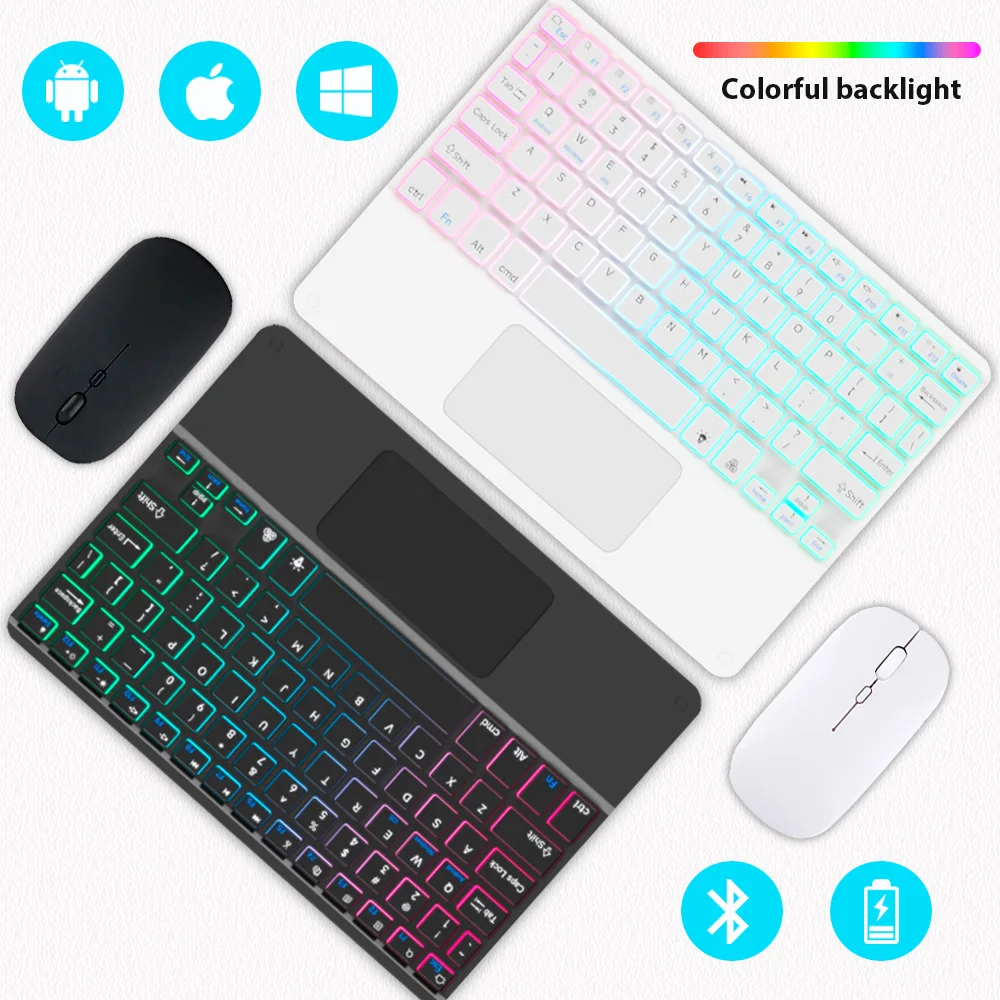
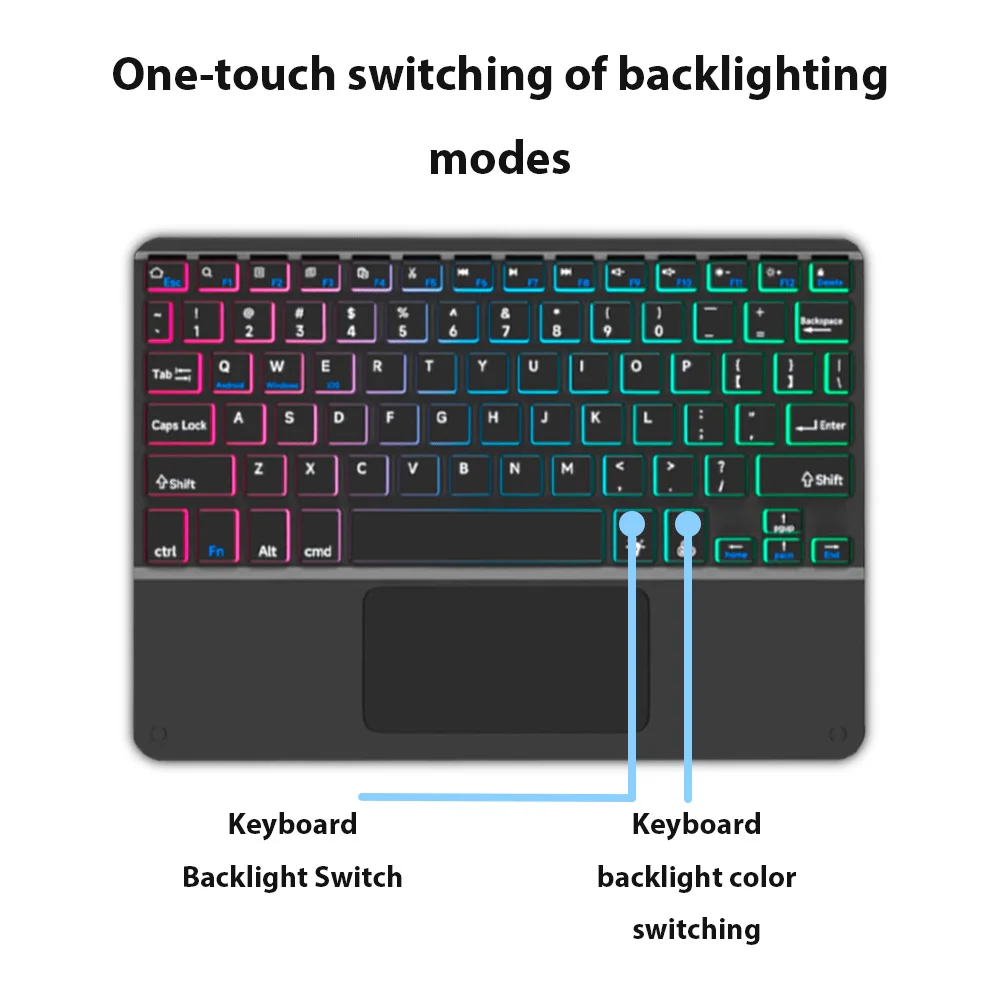
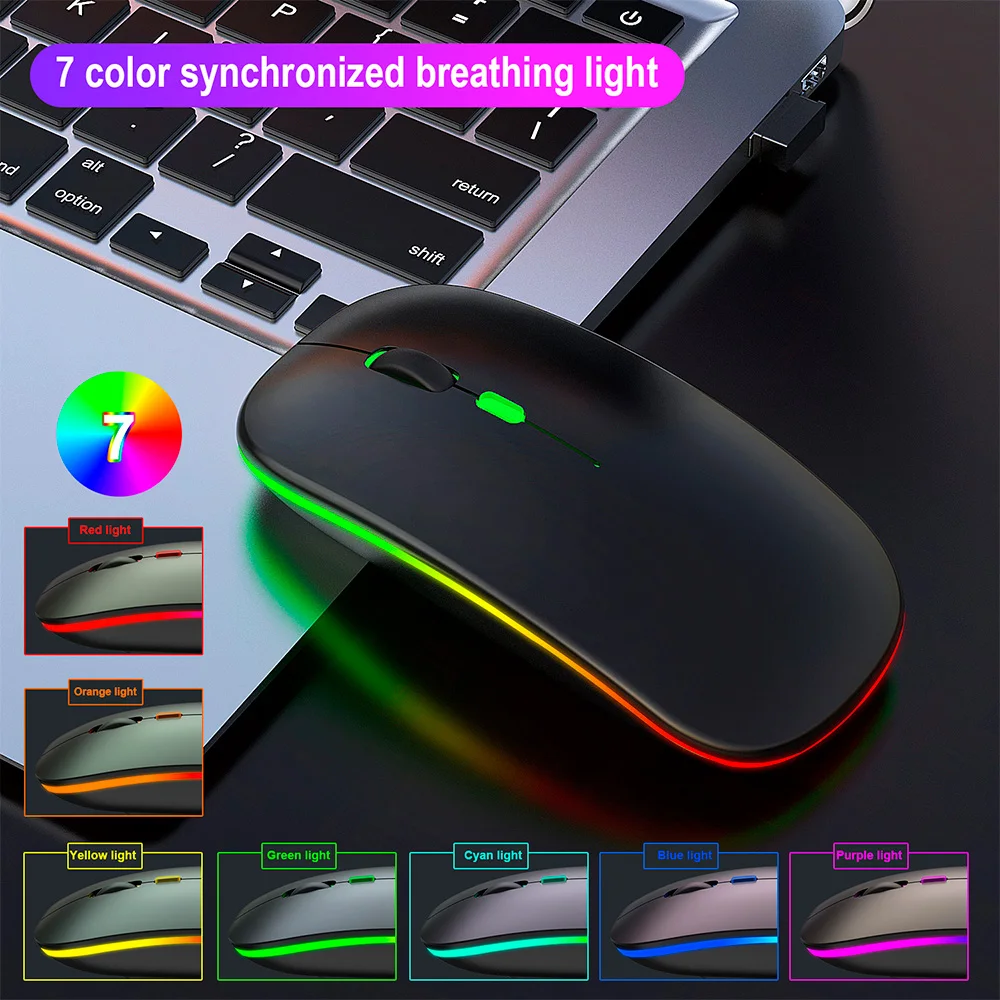
2 light modes 7 colors of light
() button
Press once: turn on the backlight,
Press twice: switch to breathing light.
Press three times: turn off all lights.
(RGB) button
Adjust the light color.
(The breathing light mode does not support adjustment.)
Breathing surround light design
The mouse has a colorful breathing light, which brings different colors in the work.
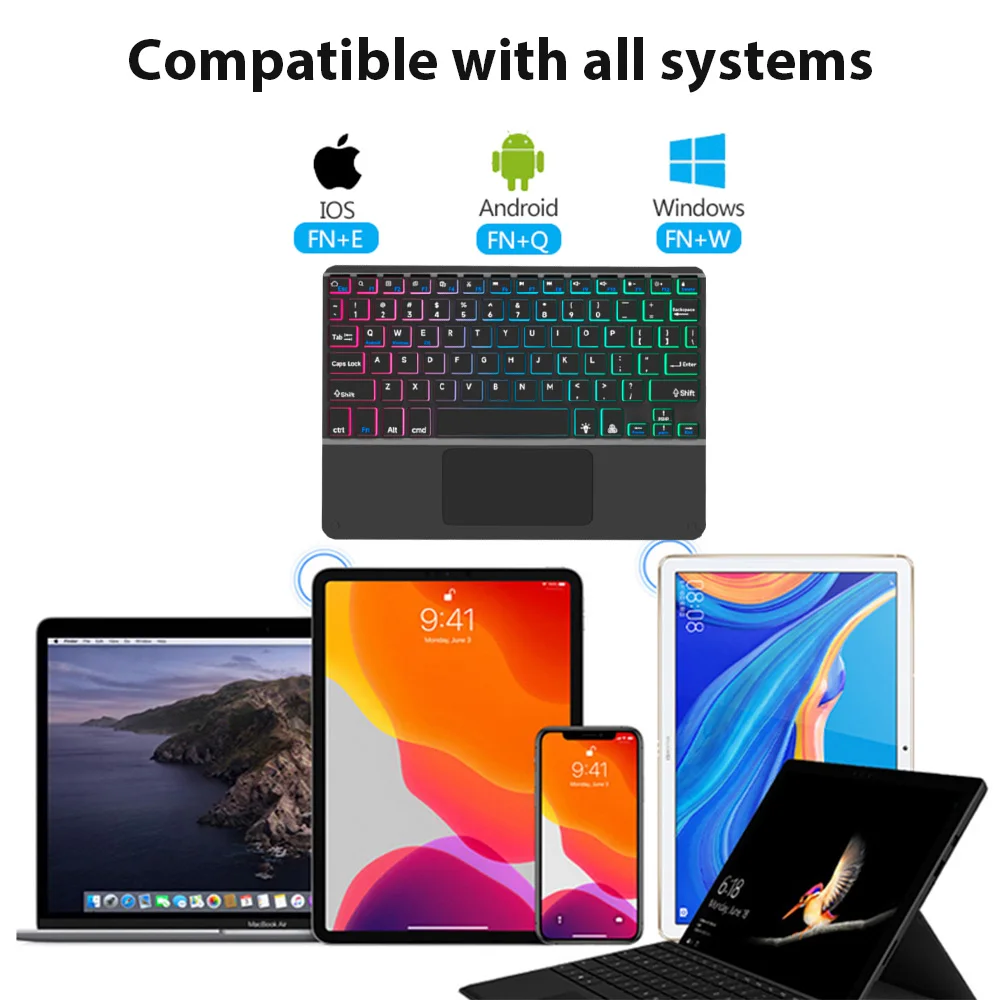
Suitable For Multiple Operating Systems
Support Android/Windows/iOS/Mac OS System...etc. Smartphones, Tablets, Laptops, PC Computers.
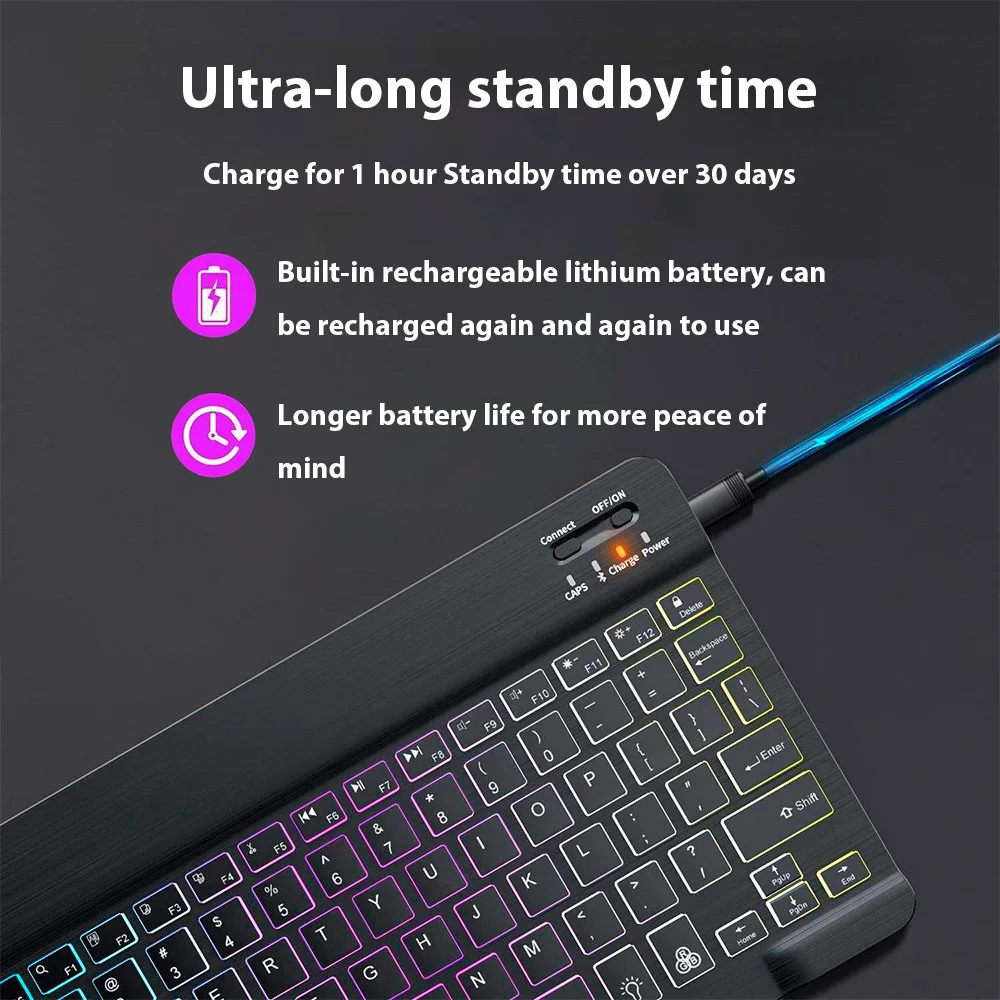
Super Long use time
Even if you are outdoors or traveling, you don't have to worry about power problems.
The above data are measured by the AIEACH laboratory, the actual use will be slightly different depending on the specific circumstances.
Tapping is silent
Mute button, comfortable typing,
very suitable for use in a quiet environment.

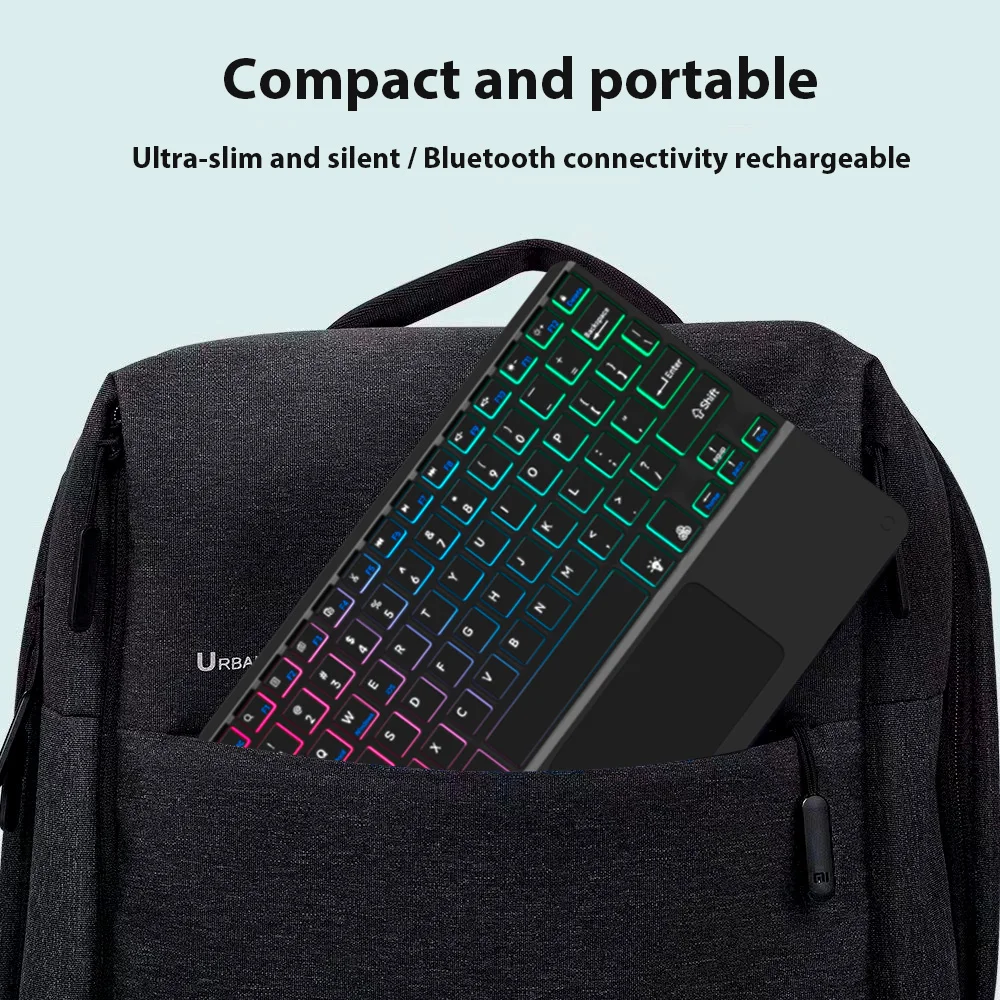
Ultra-Thin and Easy To Carry.
Compared with ordinary keyboards and mice, Our keyboards and mice are thinner, And will not take up space in a backpack/briefcase, Making it easy to carry.
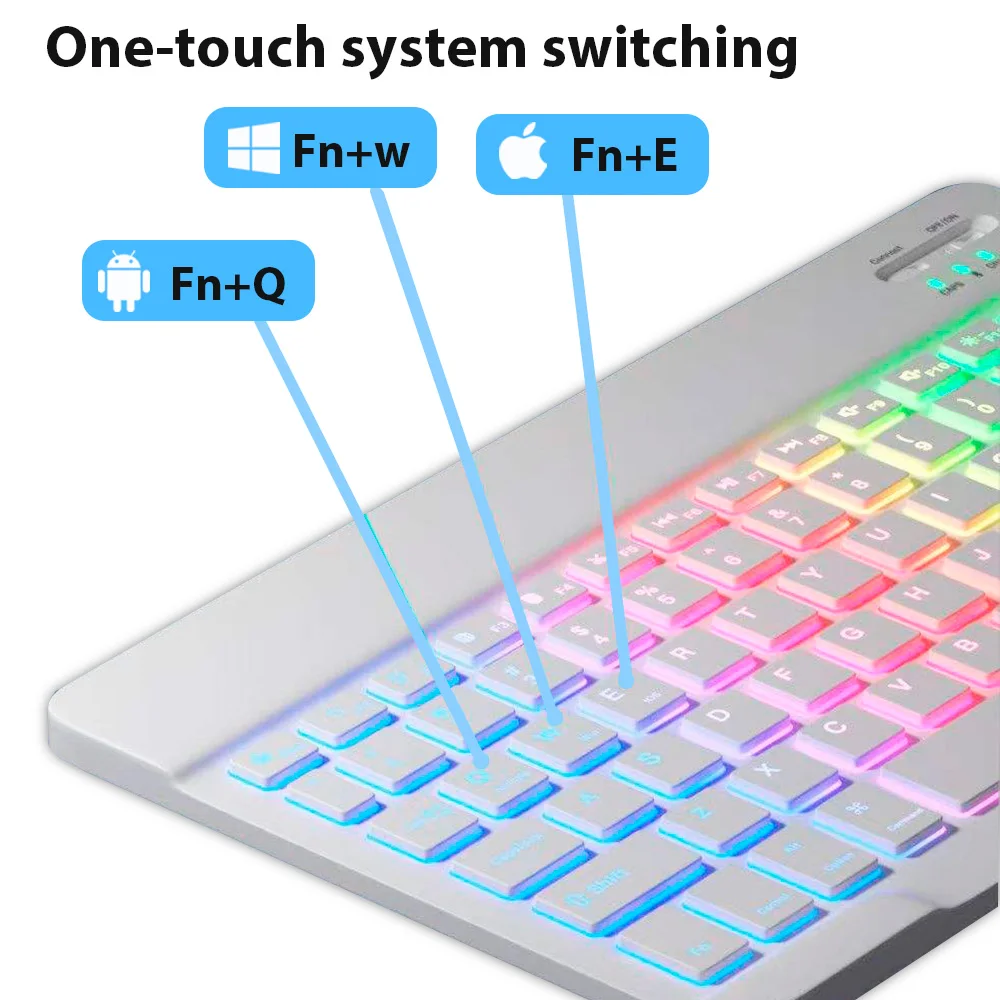
3 System Switching
(Please switch the required system before connecting the keyboard)
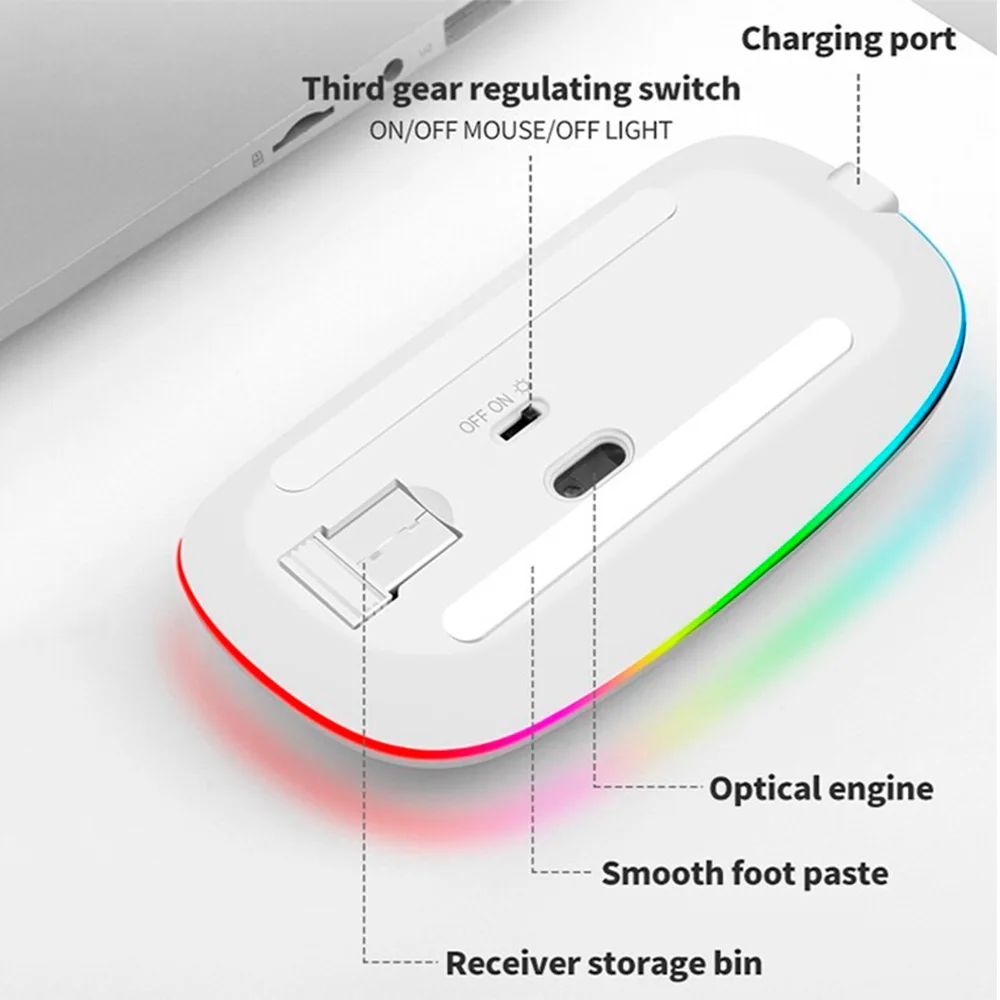
Mouse: 2.4GHz USB + Bluetooth connection.
2.4GHz USB: Compatible For Laptops and PC Computers With USB Ports.
Bluetooth-compatible: Compatible For All Smartphones, Tablets, Laptops, and All-in-one PC With Bluetooth.
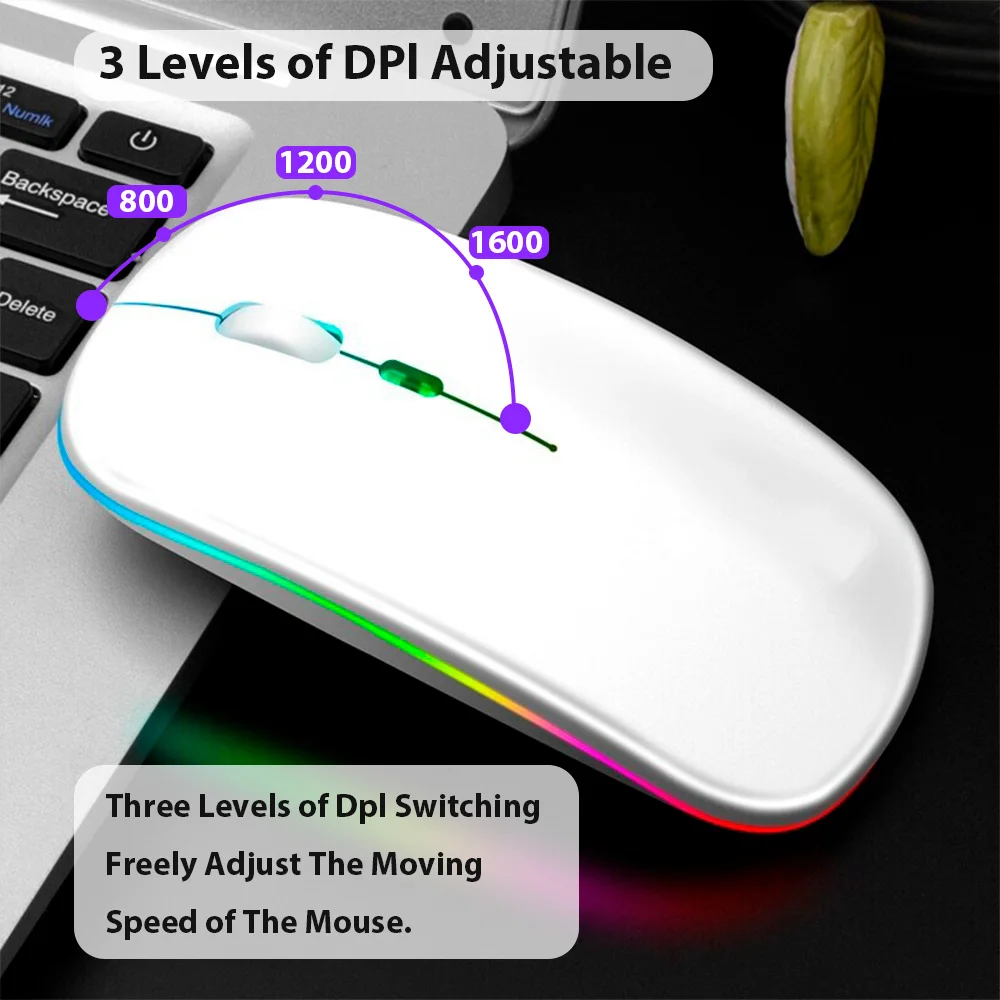
3 Levels of DPI Adjustable
800/1200/1600, Three Levels of DPI Switching, Freely Adjust The Moving Speed of The Mouse.
Product parameter
FAQ
Q: How to connect keyboard & mouse?
A: Connect the mouse first, then connect the keyboard.
Mouse: Push the switch to the "Bluetooth" icon, find the Bluetooth connection with "Mouse" in the device Bluetooth list.
Keyboard: Push the switch in the upper right corner to "ON", press "Connect", and find the Bluetooth connection with "Keyboard" in the device Bluetooth list.
Q: How to switch system between Android/Windows/iOS?
A: Press Fn+Q(Android)/Fn+W(Windows)/Fn+E(iOS) to switch the system. Different system shortcuts are different.(Switching to the wrong system will affect the keyboard's content input.)
Q: How to configure the input method for different language keyboards?
A: Take the iPad as an example, open "General"--"Keyboard"--"Keyboards"--"Add New Keyboard". (For other systems, please set them in the system settings according to the tips of the iPad example.)
Russian + English keyboard: Choose Russian keyboard input method.
Korean + English keyboard: Choose the Korean keyboard input method.
French + English keyboard: Select French (France)--AZERTY keyboard input method.
Spanish + English keyboard: Select the Spanish(Spain) keyboard input method.
Portuguese + English keyboard: Select the Portuguese (Portugal) keyboard input method.
Q: What symbols & characters does the keyboard support?
A: Please check the picture below to find the corresponding language keyboard.
Q: What should I pay attention to when using a mouse in iOS system?
A: Upgrade IOS system above 13.0.
Q: Why does Bluetooth display a "connected" mouse but no cursor?
A: Open the settings, find the Accessibility, turn on the Assistive Touch.
Q: How does the mouse change the scroll wheel sliding direction on the iPad.
A: The mouse is connected, open "General" - "Trackpad & Mouse" - close "Natural Scrolling".
Q: What device models are used for the keyboard and mouse?
A: Suitable for smartphones, tablets, laptops, PC computers. (Because the button layout of the keyboard is different from the traditional keyboard, the button shortcuts are different when using it on PCs & laptops, please try it yourself).
Q: How to switch the keyboard input language?
A: Android: Press Shirt + Spacebar or Shirt to switch between different languages.
iOS: Press Control + Spacebar to switch between languages.
If the above still doesn't solve your problem, please contact us to help you.
Customer Reviews
Produtos Relacionados
Vendor:
Vendor
Example product title
- Regular price
- €29,99
- Regular price
-
€35,99 - Sale price
- €29,99
- Unit price
- per
Vendor:
Vendor
Example product title
- Regular price
- €29,99
- Regular price
-
€35,99 - Sale price
- €29,99
- Unit price
- per
Vendor:
Vendor
Example product title
- Regular price
- €29,99
- Regular price
-
€35,99 - Sale price
- €29,99
- Unit price
- per
Vendor:
Vendor
Example product title
- Regular price
- €29,99
- Regular price
-
€35,99 - Sale price
- €29,99
- Unit price
- per
Vendor:
Vendor
Example product title
- Regular price
- €29,99
- Regular price
-
€35,99 - Sale price
- €29,99
- Unit price
- per