Pular
Pular



PARCELE SUAS COMPRAS NAS MELHORES BANDEIRAS
Compra garantida: Você tem até 30 dias de Garantia
Troca Grátis: Você tem até 7 dias para testar o produto
Frete Grátis:
Envio em 24hrs da loja
após aprovação do pagamento

Zuban
Rua do Comércio, 524 - Centro, Santa Ines - SP, 11305-000
-
952
Pedidos entregues nos últimos 60 dias
-
Presta bom atendimento
-
Entrega os produtos dentro do prazo
Descrição
SPECIFICATIONS
Brand Name: VNNBBS
Connector Type: Wireless
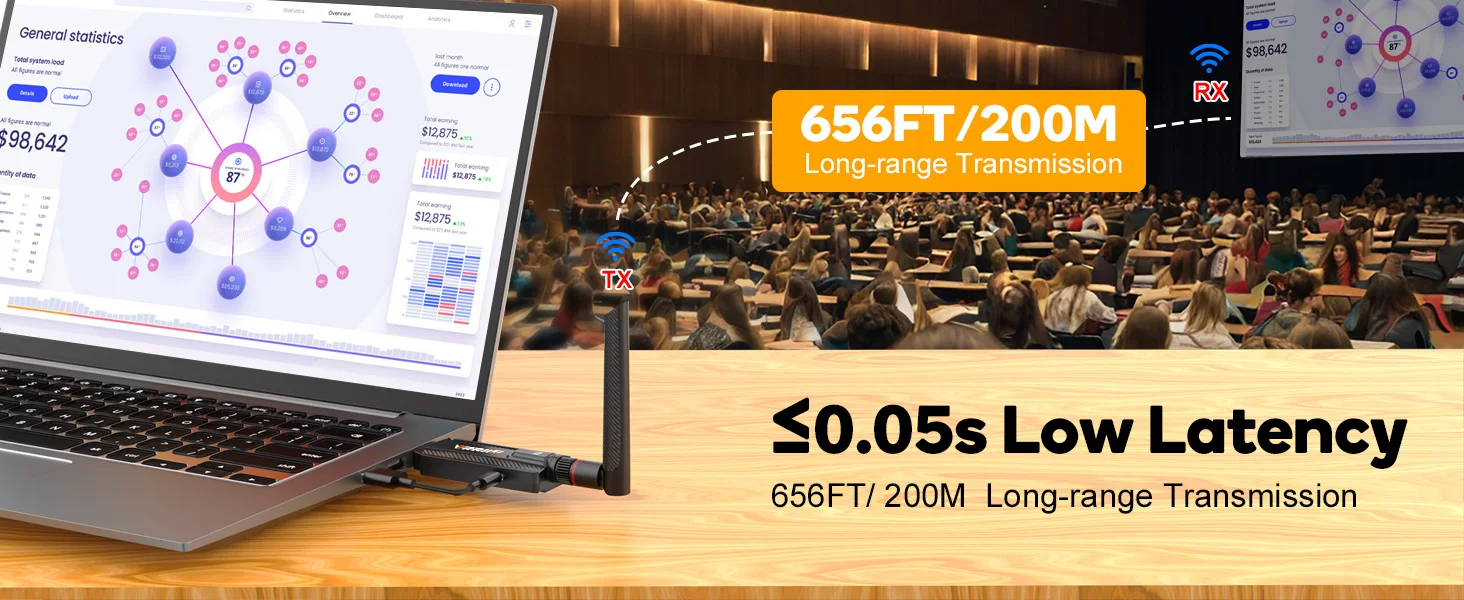
Delay: 0.05S
Distance: 200M/656FT
Model: WL084L
Operating Frequency: 5GHz
Origin: Mainland China
Resolution: 1080P@60Hz
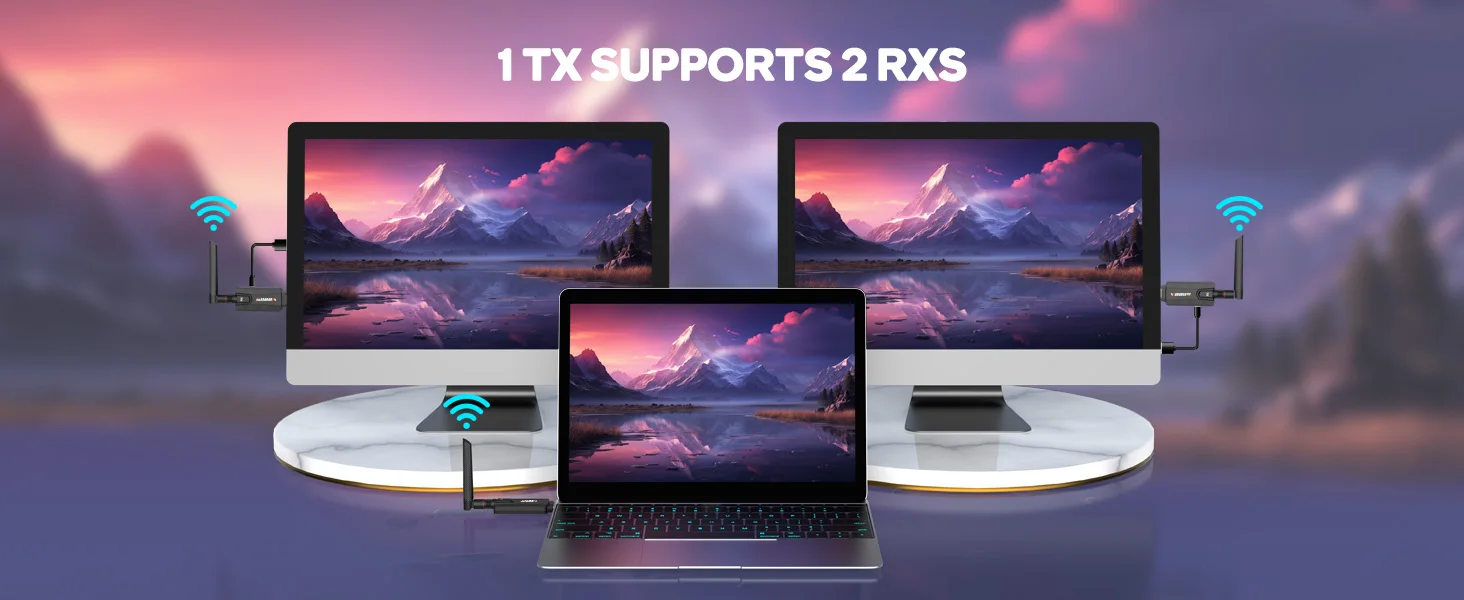
Support: 1 send and 2 receive
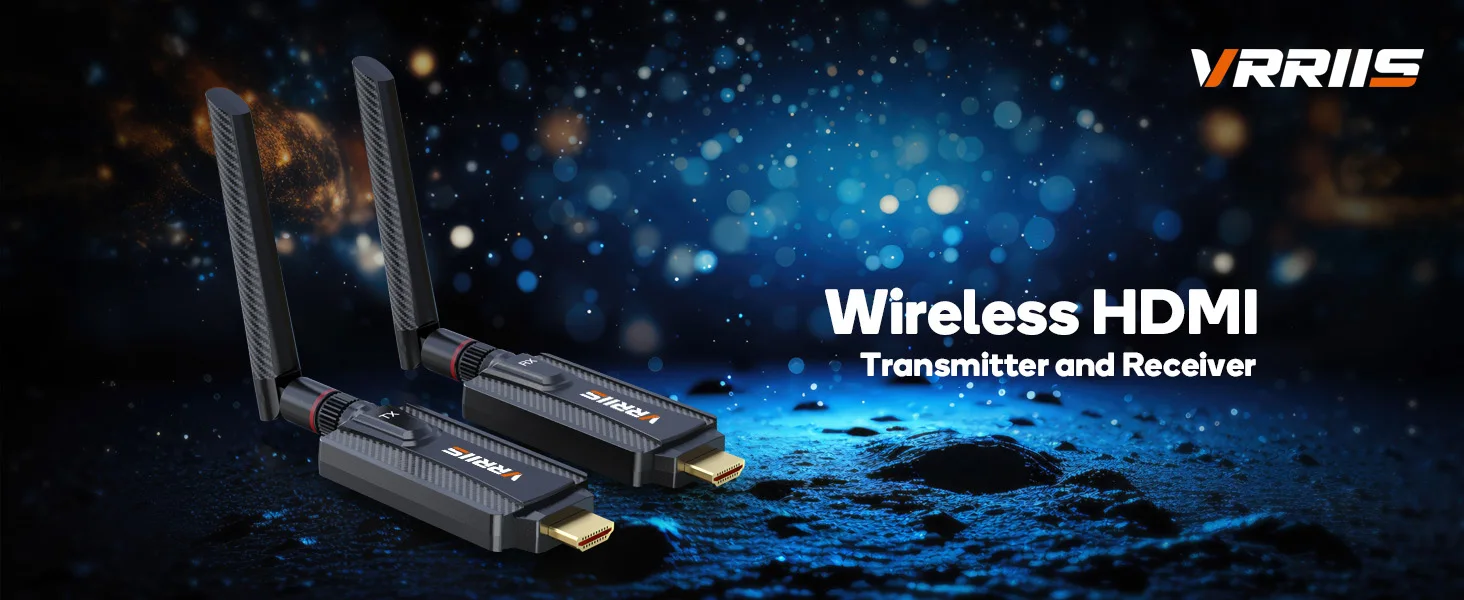
Mini TV Stick Transmitter and Receiver
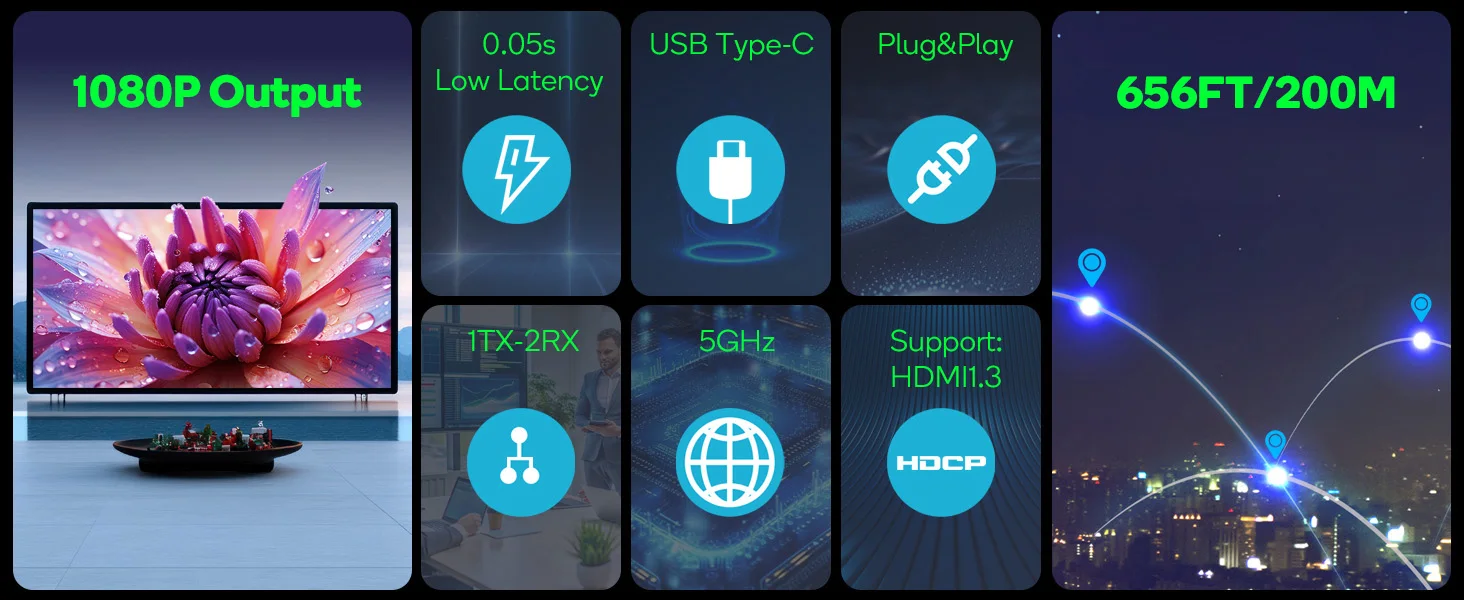
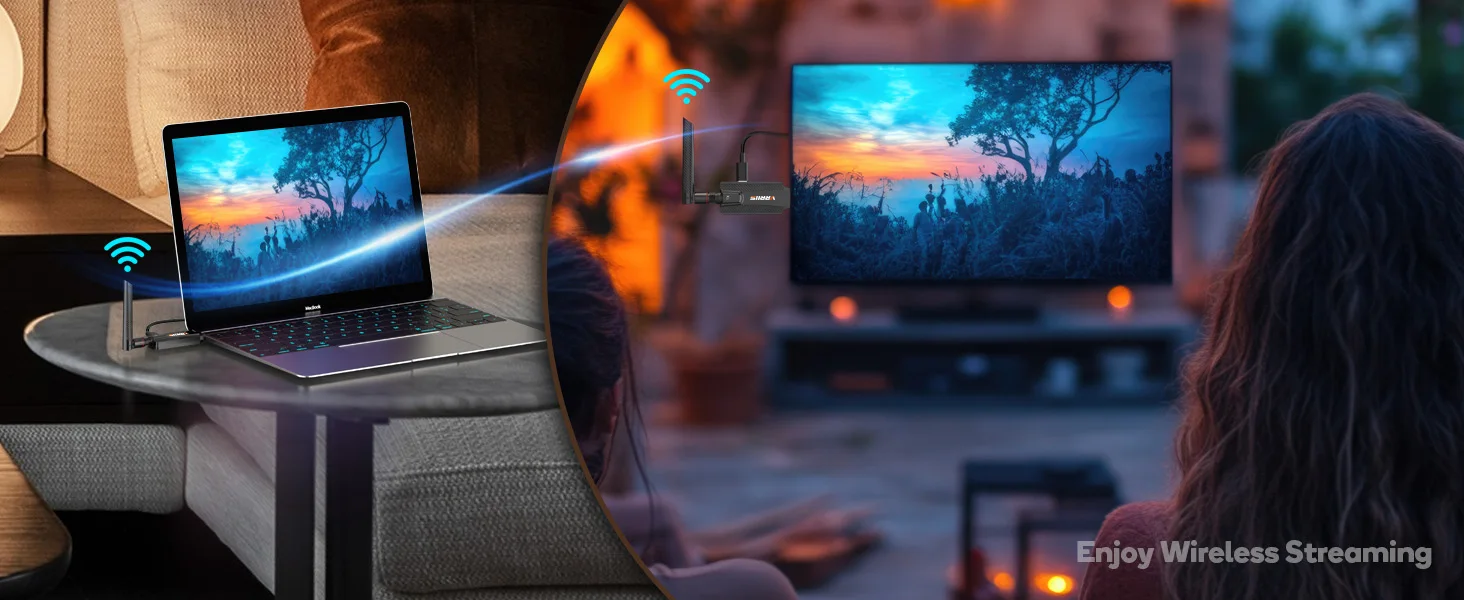
1. Transmits HDMI video and audio via built-in point-to-point transmission protocol, no WIFI or Internet required. 2.
2. Compatible with HDMI 1.3;
3. Supports normal HD video resolution up to 1920x1080@60Hz;
4. Dual antenna setup, high transmission efficiency, ensure smooth playback;
5. Built-in automatic balancing system, smooth, clear and stable picture;
6. Plug and play, easy and convenient installation, without any setup.
Product Parameters
Operating Frequency 5GHz
Distance 200M/656FT
Delay: 0.05S
Resolution: 1080P@60Hz
Support: 1 transmitter and 2 receivers
Method of Use
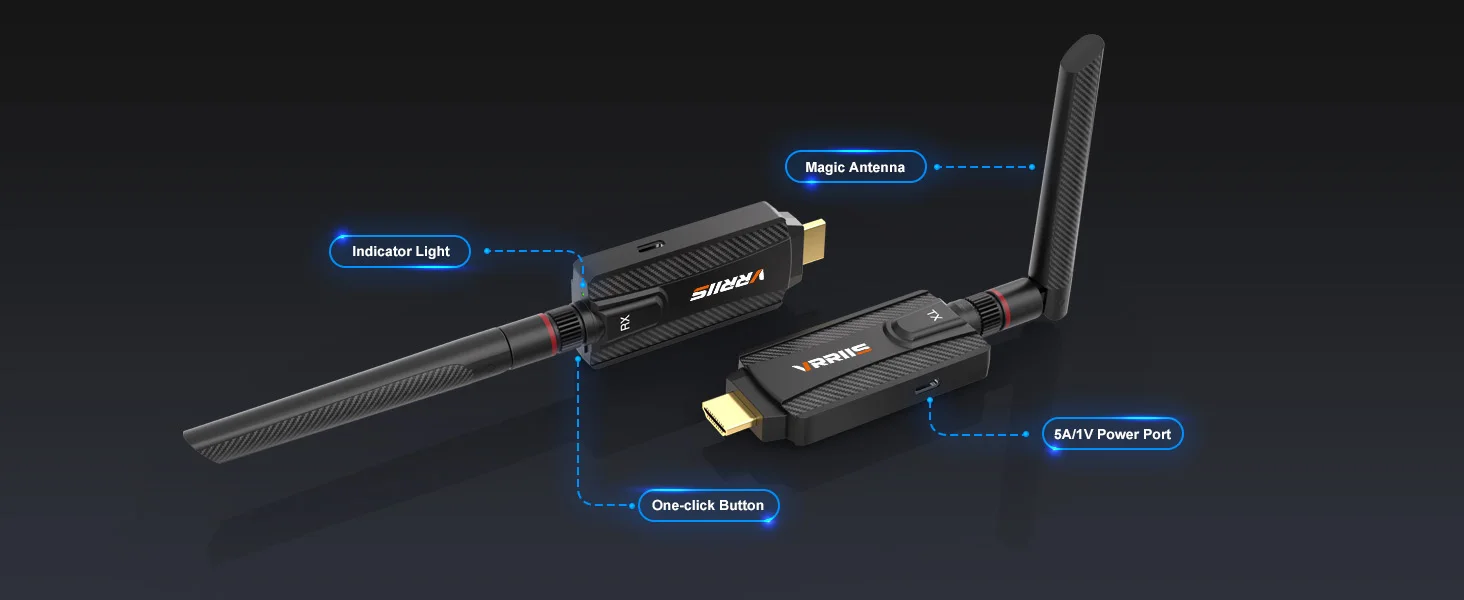
1. Automatic device pairing, plug and play.
2. The TX and RX must be powered on during use.
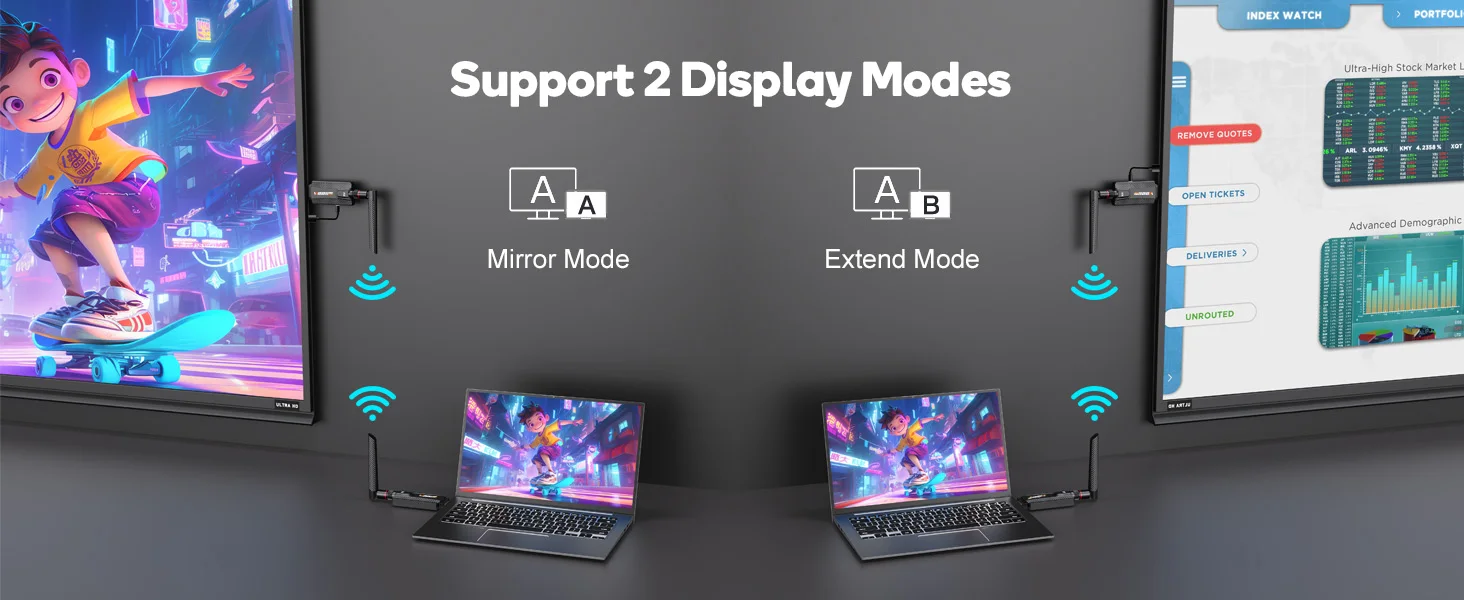
3. Click the TX button to pause/resume screen mirroring.
Plug-and-Play
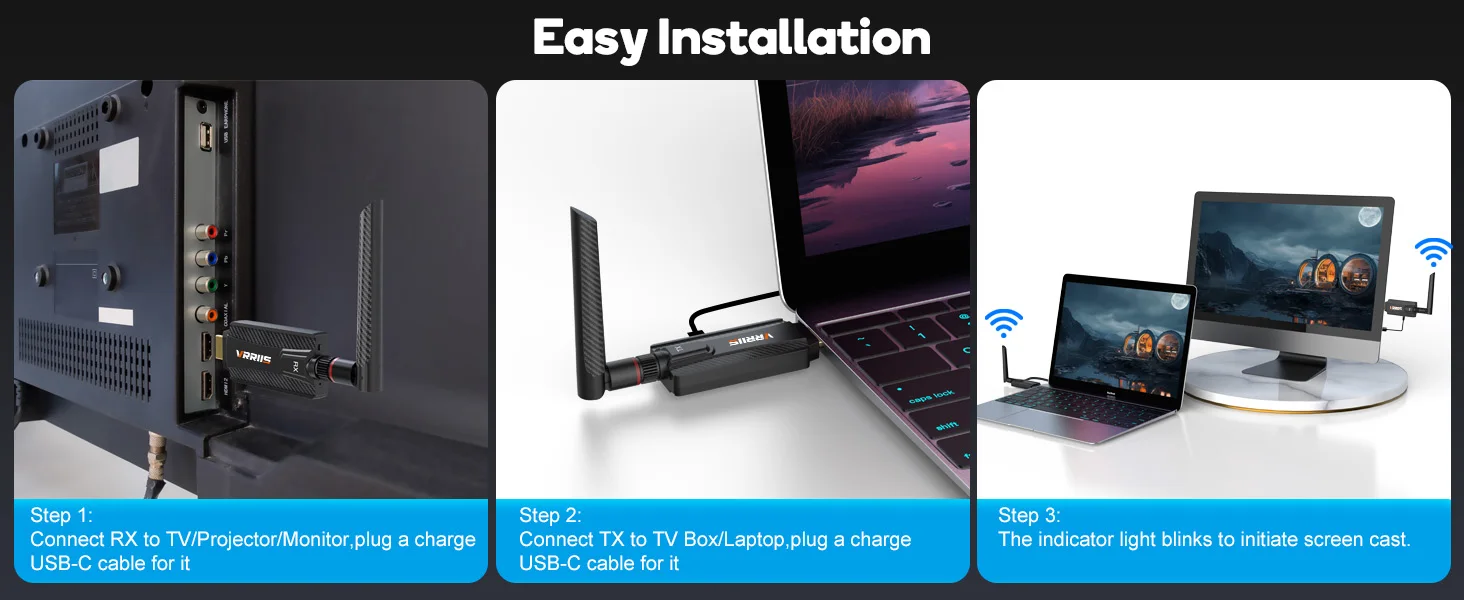
1. Connect the receiver RX Connect the receiver to an independent power supply (5V/1A) via a Type C power cord and plug it into the HDMI input port of a display device such as a TV or monitor.
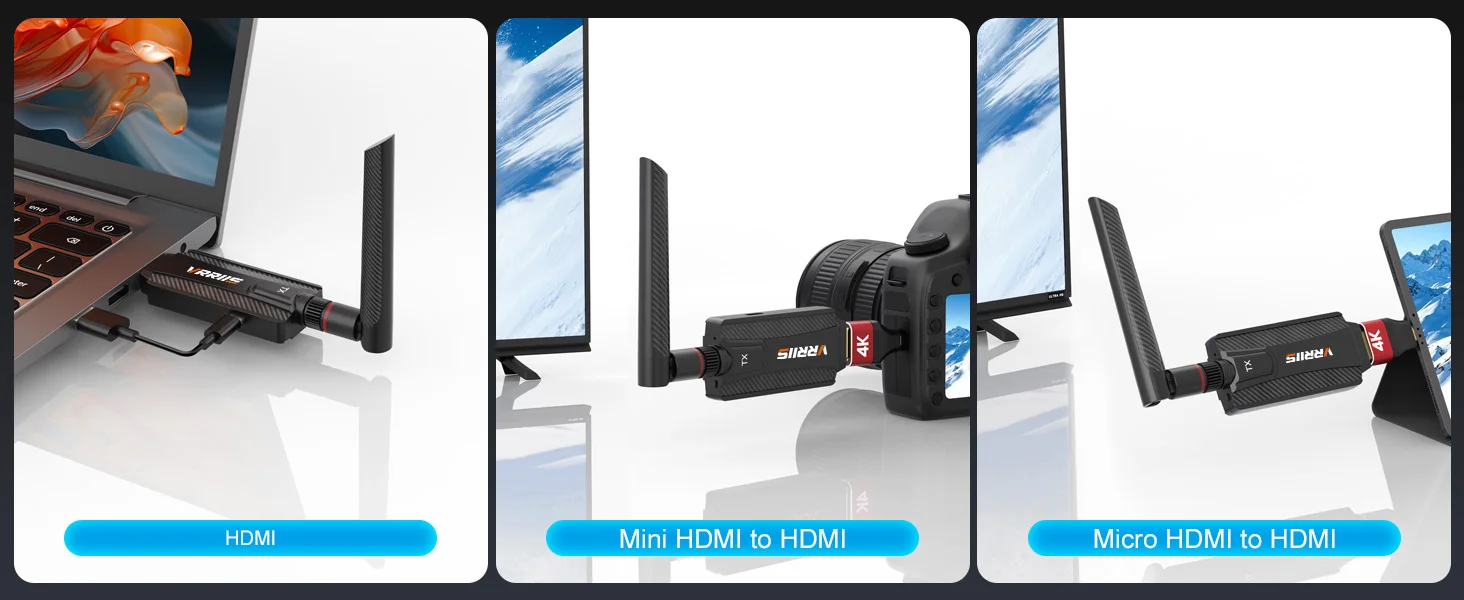
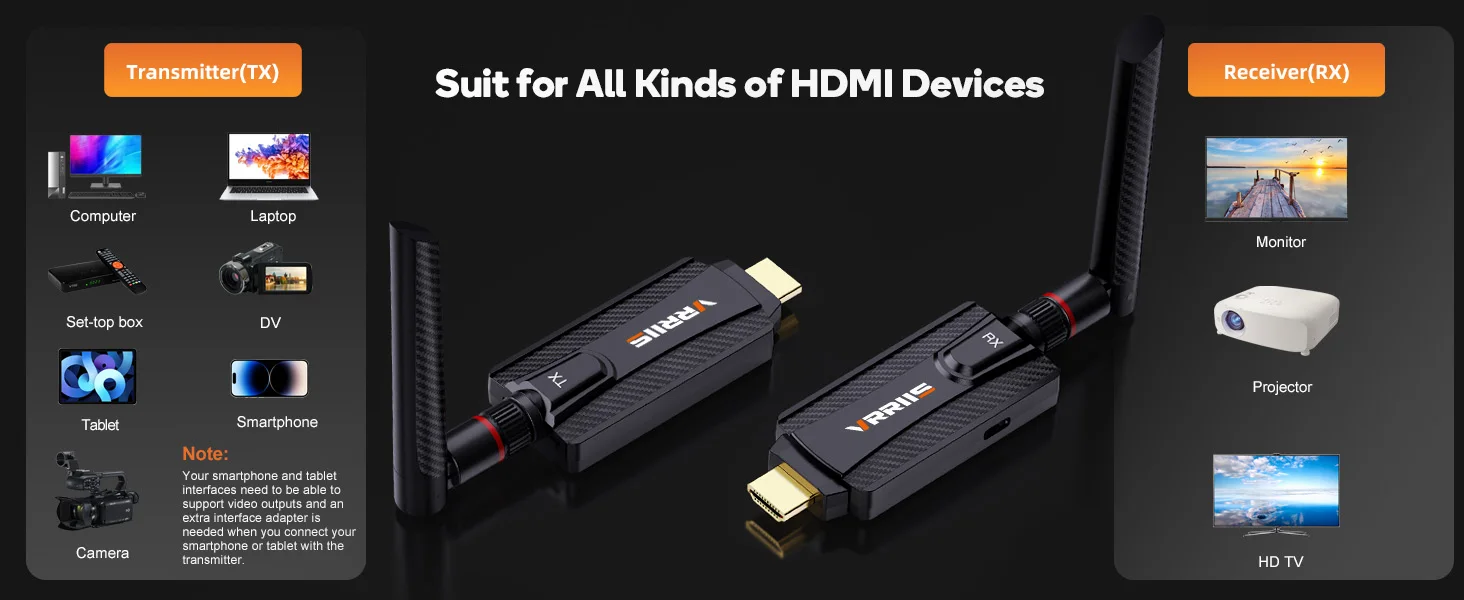
2. Connect the transmitter TX to the computer to start screen mirroring After supplying the receiver with an independent power source (5V/1A) through a TypeC power cord, connect it to a computer or other HDMI device with video output function. The indicator light will flash, indicating that automatic screen mirroring will begin.
*Attention: Before using the product, first power on the TX and RX, and then connect them separately to the HDMI terminal.
This product is pre paired and plug and play before leaving the factory. If there is an issue with connection failure or an additional RX is added, please follow the steps below to pair it.
1. Connect TX and RX through an HDMI converter;
2. Connect TX and RX to the power supply, and the indicator light will be on;
3. Observe the status of the indicator lights: If the TX and RX indicator lights flash simultaneously, pairing is successful;
4. After pairing is complete, disconnect the power and reconnect for use.
What do I do if the product is not working?
>>No signal: Check if the HDMI port is securely plugged in and restart the device; If the above issues are not resolved, re pairing is required.
>>Screen delay: Avoid obstacles, ensure unobstructed communication between the transmitter and receiver, and reduce interference sources (such as microwave ovens and WiFi routers).
>>Short transmission distance: Confirm that the device is within a valid range of 200 meters/656ft.
>>Automatic pairing failed: Power off first, then perform manual pairing.
>>Display resolution mismatch: adjust the output resolution in the signal source device to the support range of the display device 1080P@60Hz Or below.
Note:
TX = transmitter, RX = receiver. They cannot be used alone. tx+rx works as a set. You can add up to two RXs as required.
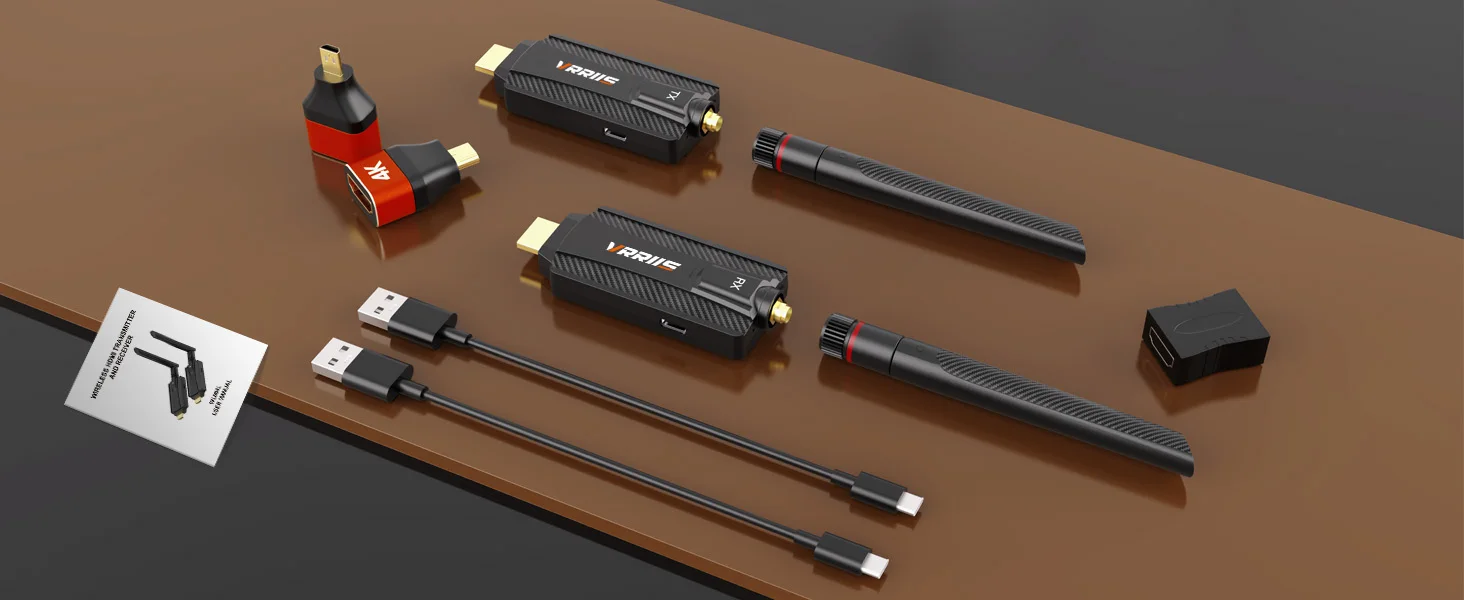
Packing List
1TX 1RX Option Packing List
200m Wireless Transmitter * 1
200m Wireless Receiver * 1
Antenna * 2
USB Power Cable * 2
Mini Converter * 2
Type-C to HDMI Adaptor Cable*1
Quick Guide*1
1TX 2RX Option Packing List
200m Wireless Transmitter * 1
200m Wireless Receiver * 2
Antenna * 3
USB Power Cable * 3
Mini Converter * 2
Type-C to HDMI Adaptor Cable*1
Quick Guide*1
Only TX Option Packing List
200m Wireless Transmitter * 1
Antenna * 1
USB Power Cable * 1
Mini Converter * 2
Quick Guide*1
Only RX Option Packing List
200m Wireless Receiver * 1
Antenna * 1
USB Power Cable * 1
Quick Guide*1