

































Proin euismod elit at viverra condimentum. Donec ornare sodales tincidunt. Integer fringilla suscipit erat a ornare. Curabitur ullamcorper varius congue. Donec congue commodo ex in ullamcorper. Cras vitae lectus gravida, gravida nunc ut, hendrerit lorem. Donec nec mattis metus, ut posuere odio. Integer ut ultrices nibh.


Compartir


Free Shipping
Free standard shipping on orders over $99.
Estimated to be delivered on 12/01/2022 - 15/10/2022.
Free Shipping
Free Returns
Learn More.
Free Returns
Covid-19 Shipping Delay Notice
Covid-19 Shipping Delay Notice
Returns Policy
You may return most new, unopened items within 30 days of delivery for a full refund. We'll also pay the return shipping costs if the return is a result of our error (you received an incorrect or defective item, etc.).
You should expect to receive your refund within four weeks of giving your package to the return shipper, however, in many cases you will receive a refund more quickly. This time period includes the transit time for us to receive your return from the shipper (5 to 10 business days), the time it takes us to process your return once we receive it (3 to 5 business days), and the time it takes your bank to process our refund request (5 to 10 business days).
if you need to return an item, simply login to your account, view the order using the "Complete Orders" link under the My Account menu and click the Return Item(s) button. We'll notify you via e-mail of your refund once we've received and processed the returned item.
Shipping
We can ship to virtually any address in the world. Note that there are restrictions on some products, and some products cannot be shipped to international destinations.
When you place an order, we will estimate shipping and delivery dates for you based on the availability of your items and the shipping options you choose. Depending on the shipping provider you choose, shipping date estimates may appear on the shipping quotes page.
Please also note that the shipping rates for many items we sell are weight-based. The weight of any such item can be found on its detail page. To reflect the policies of the shipping companies we use, all weights will be rounded up to the next full pound.
Use the custom tab to tell customers about your product. List product features, technical specifications, and visual attributes. A detailed description will help us show your product to the right customers.
Product Description
TRENDY & STYLE
100% HANDMADE
Proin euismod elit at viverra condimentum. Donec ornare sodales tincidunt. Integer fringilla suscipit erat a ornare. Curabitur ullamcorper varius congue. Donec congue commodo ex in ullamcorper. Cras vitae lectus gravida, gravida nunc ut, hendrerit lorem. Donec nec mattis metus, ut posuere odio. Integer ut ultrices nibh.
SPECIFICATIONS
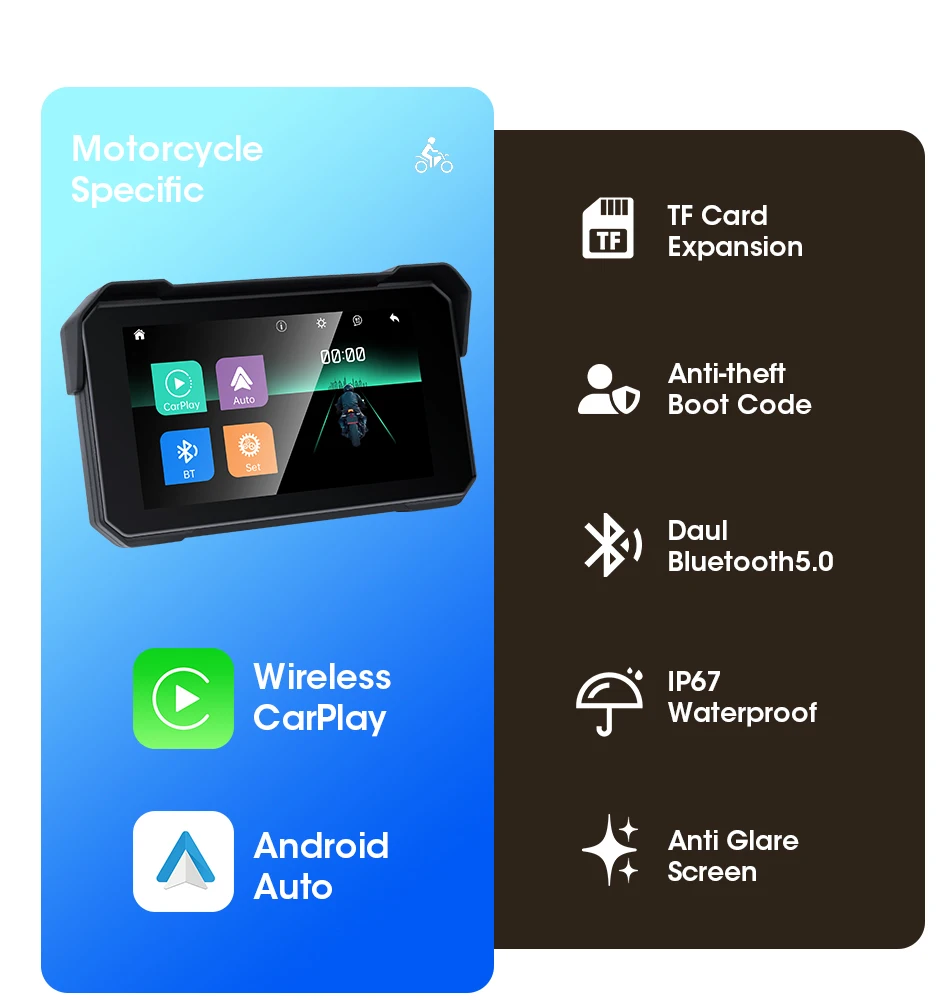
Android Auto: Support Wireless Android Auto
Bluetooth: Two Channels
Brand Name: JMCQ
CarPlay: Support Wireless CarPlay
Choice: yes
High-concerned chemical: None
Item: Wireless CarPlay&Android Auto Screen
Max External Memory: 128G
Operation System: Linux OS
Origin: Mainland China
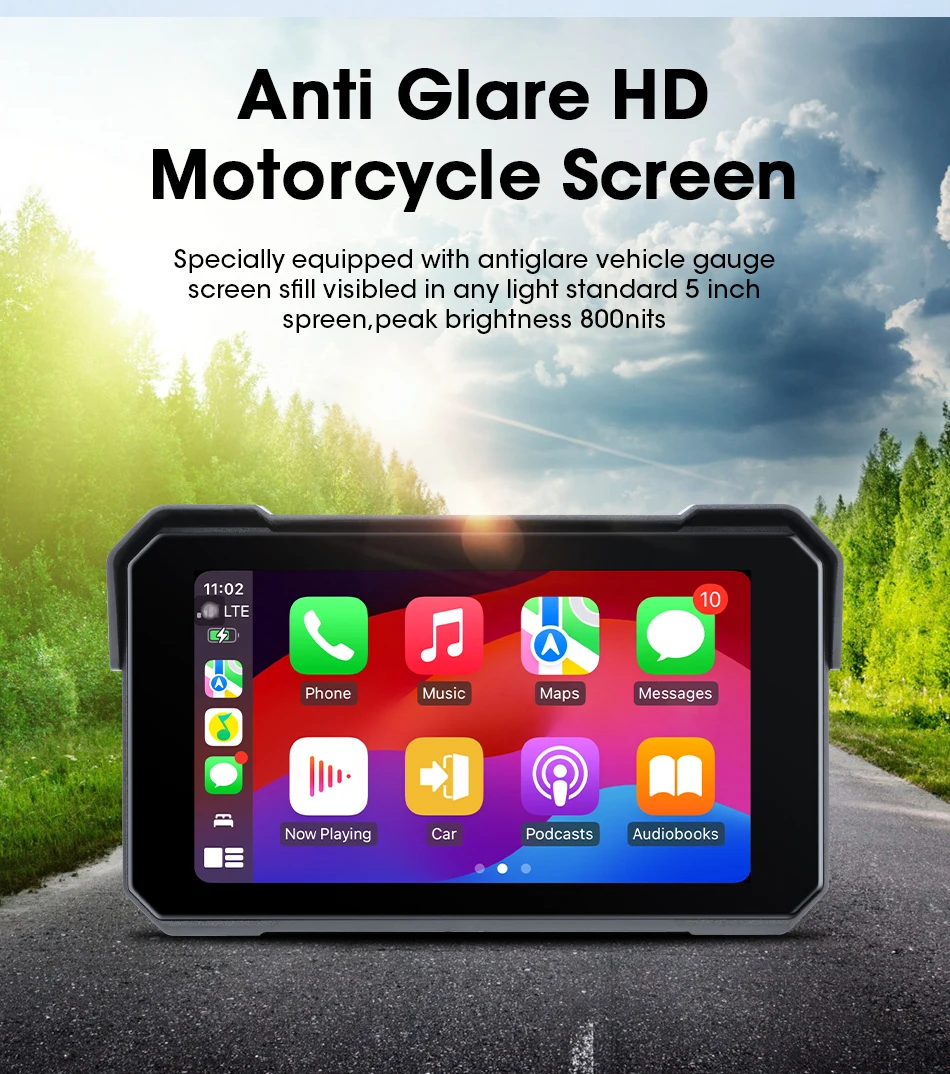
Resolution: 800*480P
Screen Size: 5
TF: TF slot,SD card not included
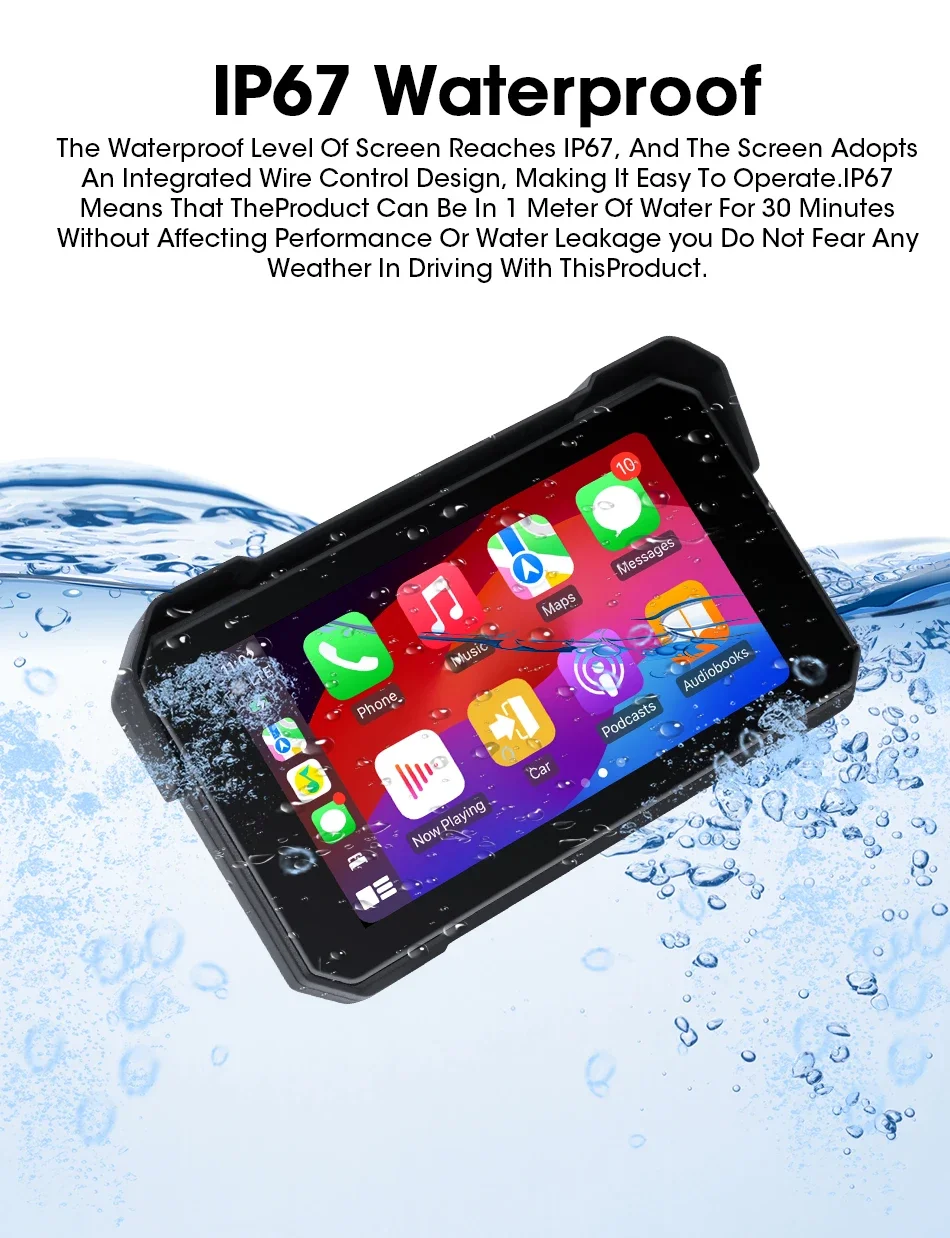
Waterproof Level: IPX7
display Screen: 5 inch LCD display
5 inch motorcycle carplay screen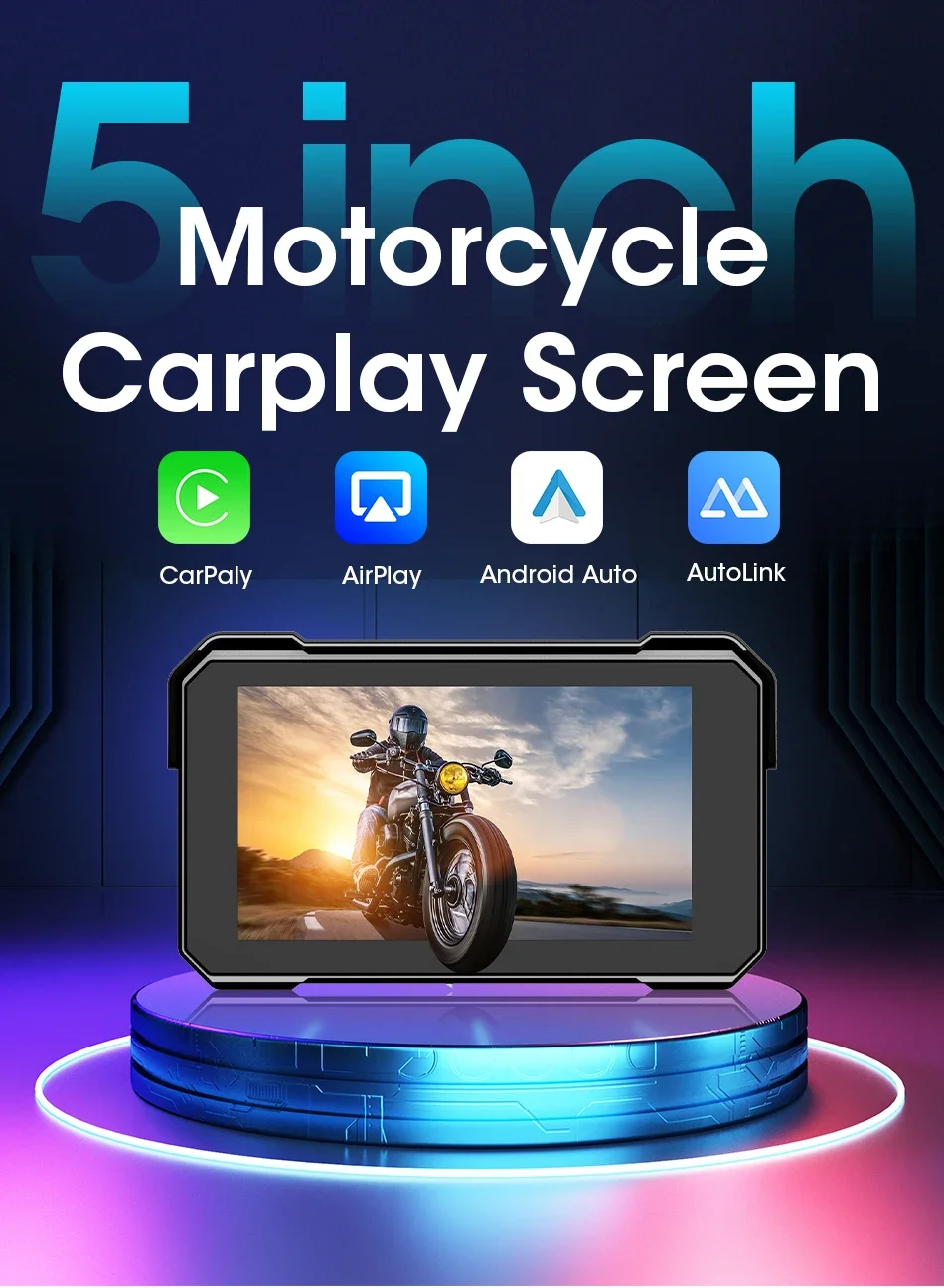
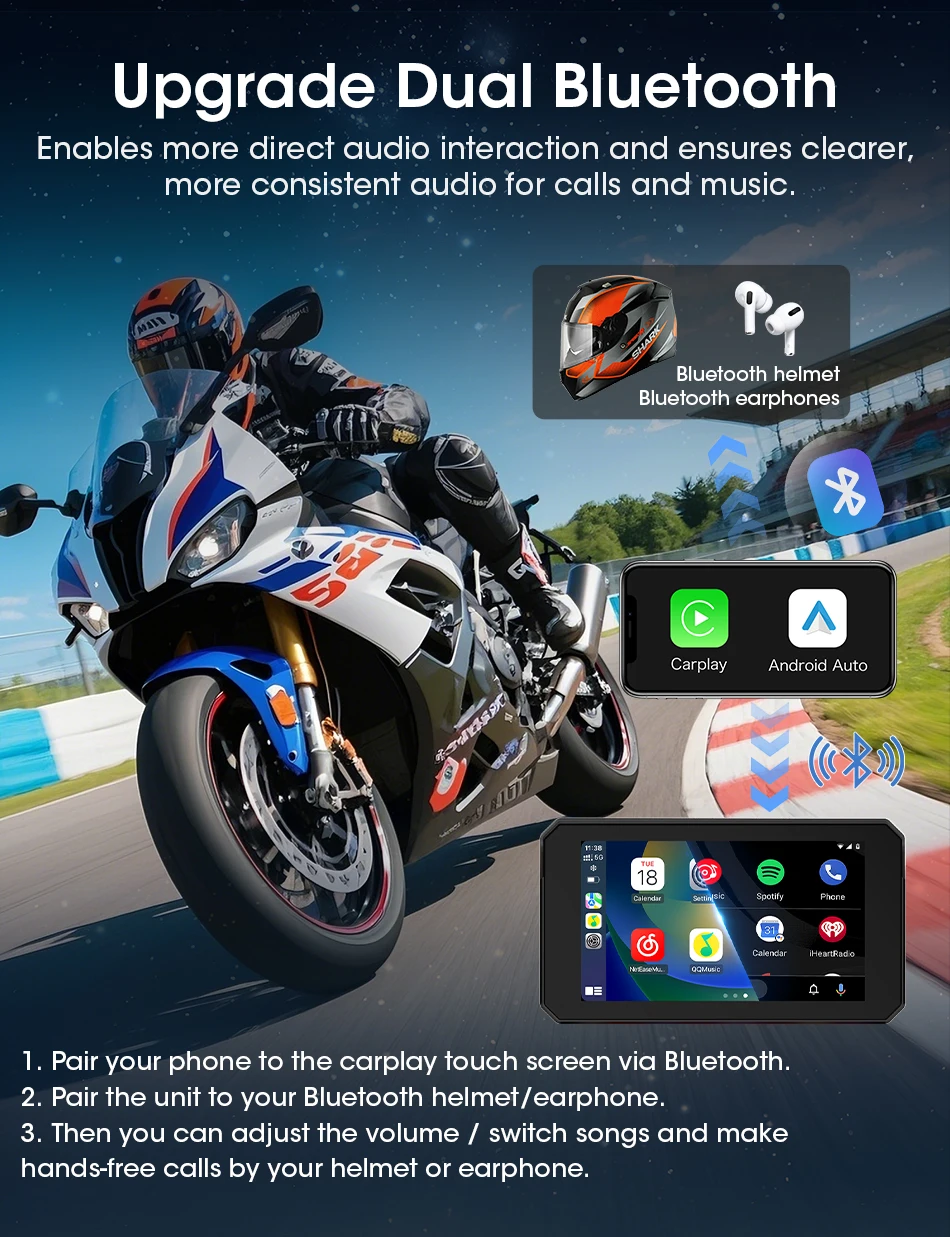
How to Setup Bluetooth Helmet Earphones?
Step 1: Connect your phone to the product's Bluetooth and successfully connect CarPlay/Android Auto.
Step 2: Use your Phone to search the bluetooth device of the helmet earphones, then connect it.
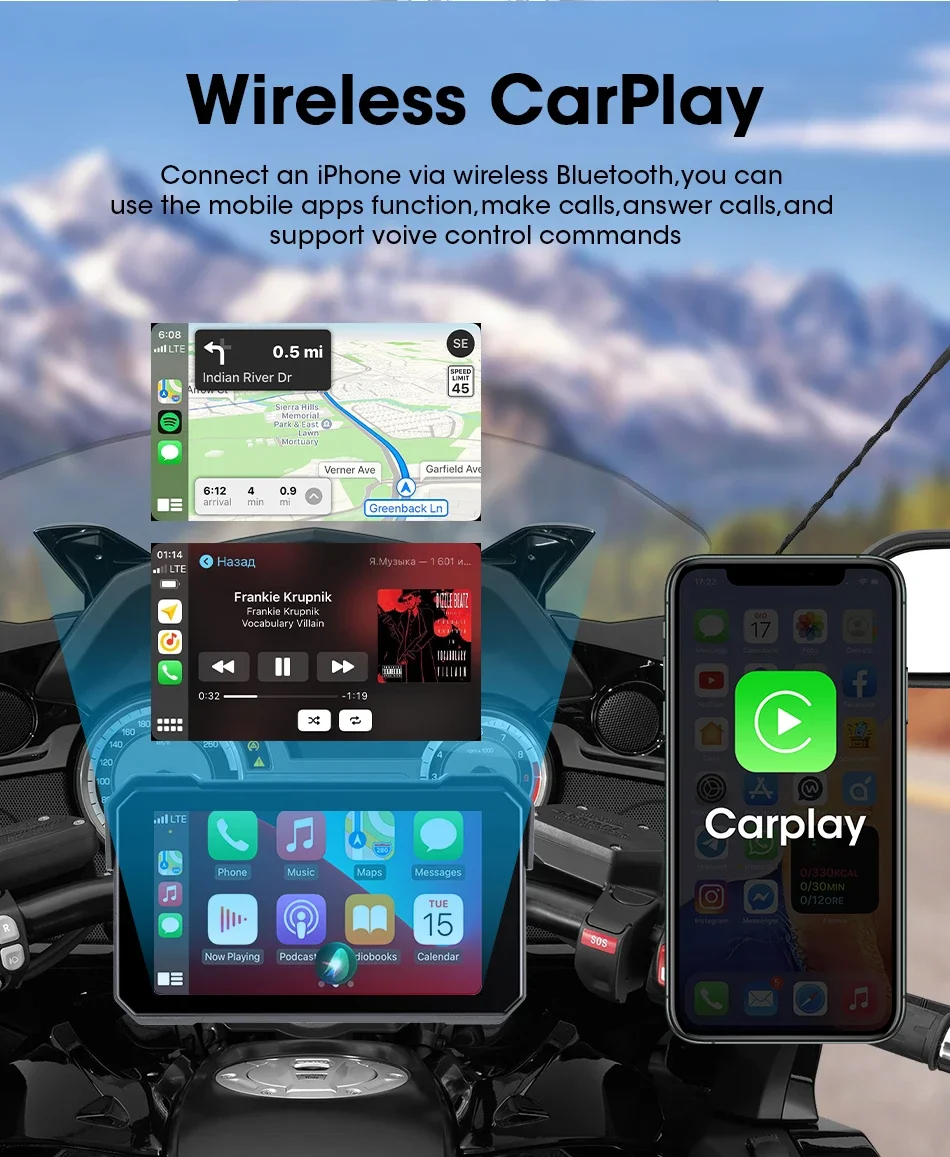
 Support Wireless Carplay
 Wireless Android Auto and Android phone mirroring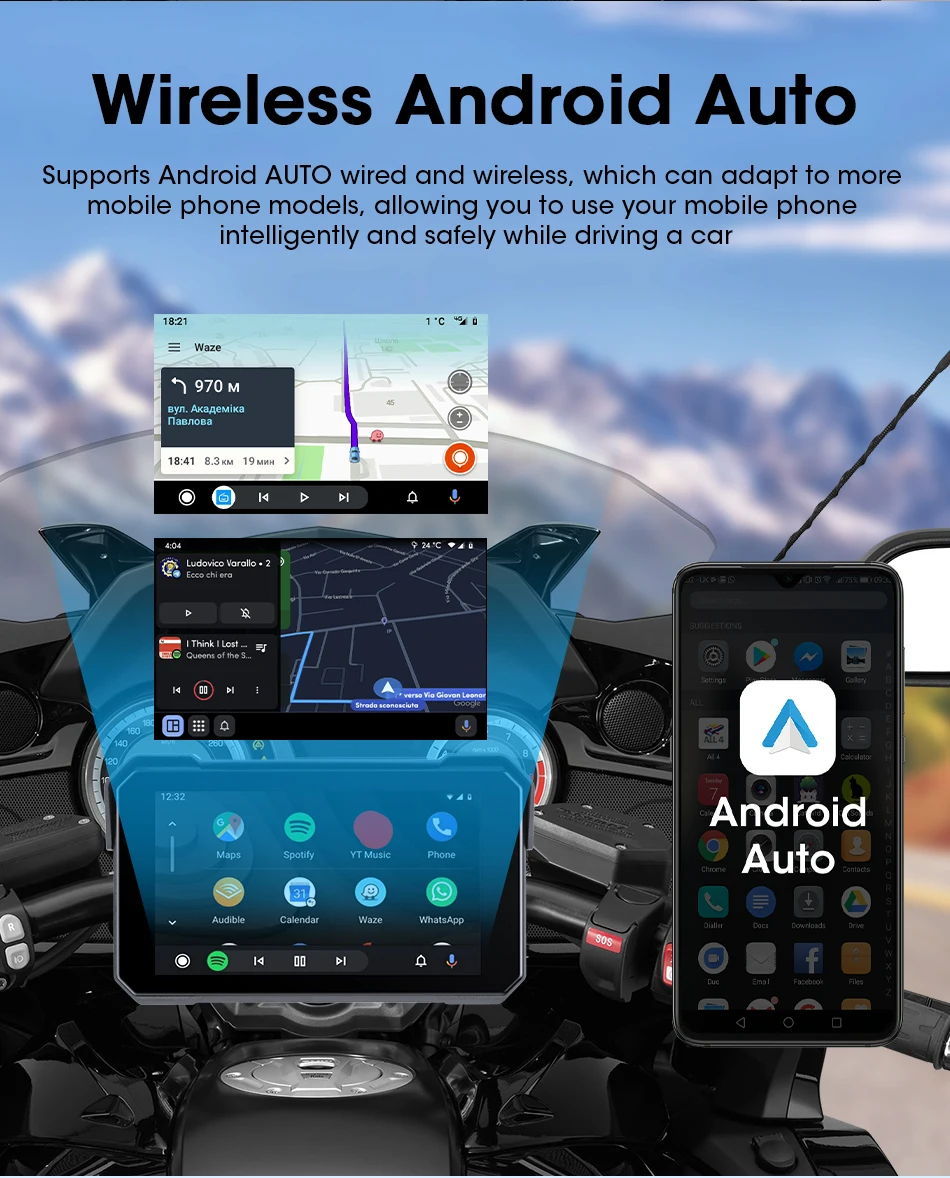
Buyer Q&A:
1.
Q:What input power supply?
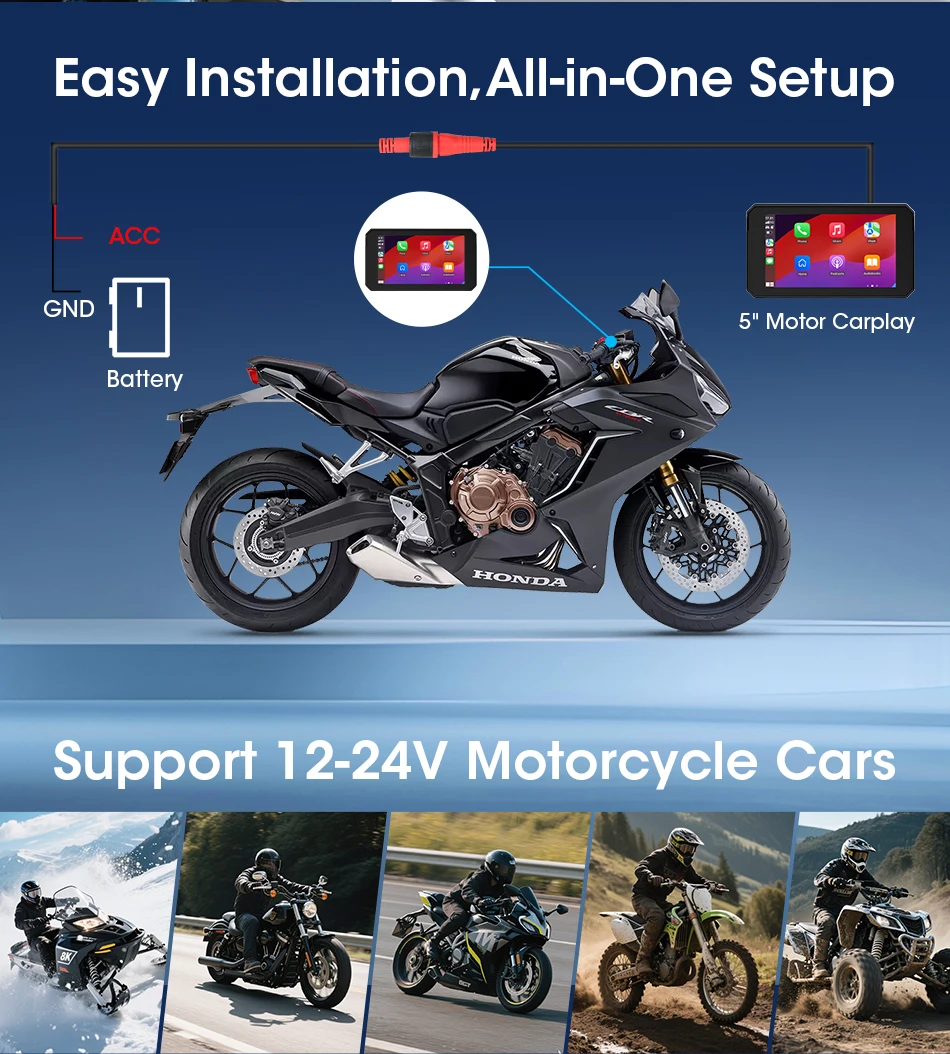
A:12V voltage 3A required for startup, please use our original power cable; If power is supplied from the Type C port using the USB cable, the device will restart due to insufficient voltage.
2.
Q: Does the product has built-in speaker?
A:No, the product doesn't have built-in speaker. Only support listen music via bluetooth earphones.
3.
Q: How do I make the Carplay or Android auto connection?
A:Step 1: Click Carplay/Android Auto to enter the connection page
Step 2: Turn on the bluetooth of the Phone, search for the bluetooth device name "CAR-BT xxx", pair it and click use Carplay/Android Auto.
4.
Q:How to Setup Bluetooth Helmet Earphones?
A:Step 1: Connect your phone to the product's Bluetooth and successfully connect CarPlay/Android Auto.
Step 2: Use your Phone to search the bluetooth device of the helmet earphones, then connect it.
5.
Q:What languages are support?
A:The monitor supportEnglish, Chinese, Japan, Korean, French, German, Italian, Spanish, Turkish, Polish, Russian, Hebrew(עִבְרִית)
6.
Q:Is it waterproof?
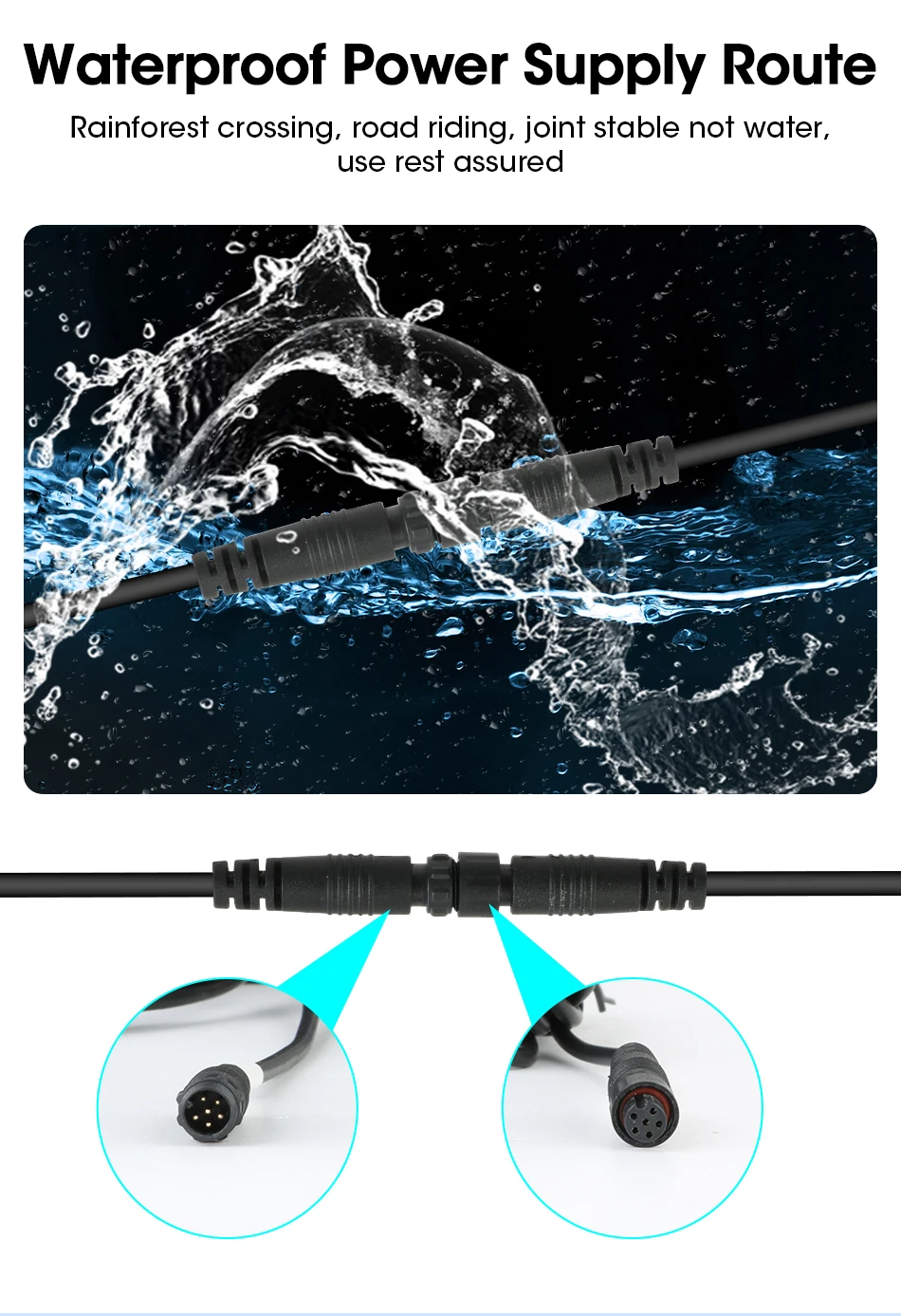
A:Yes, it is waterproof, but please try to not use the electronic products on rainy days. Devices cannot be 100% waterproof, and if water enters, it may cause short circuits and the screen unusable.
7.
Q:Does it have a built-in power module?
A:It does not have a built-in power module, so after it is reset, the date and time will not match, but it retains Bluetooth. Once CarPlay is automatically connected, it will synchronize time from iPhone.
8.
Q:Can I use Carplay and Android auto at the same time?
A:No, Carplay and Android auto can't work at the same time.
9.
Q:Can i Can I download APK by the WIFI with it?
A:the product doesn't have Android System,can't support download APK.it Support WIFI,which only used to connect carplay or android auto and transfers data with phone via WiFi,ensure stable connection, automatic connection
10.
Q:What Phone version supports Wireless Carplay/Android Auto?
A:For iPhone: Support IOS 10 or above system.
For Android: Support Android 11 or above system.
HuaWei Phones are not supported.
11.
Q: Is there a quality guarantee?
A:Yes, we have a 365 days warranty period. Please purchase at any time. If you have any problem, please contact our customer service via this link(https://www.aliexpress.com/store/1101186048)
12.
Q:Does the screen touch support wearing gloves
A:No, Do not support wearing gloves for touch, wearing gloves will affect touch sensitivity.
13.
Q:Whys the device can't turn on?
A:12V voltage and 3A current are required for startup; If the device can't turn on, please check the voltage of your motorcycle.
14.
Q:Why the device can't turn off?
A:Black cable connect to the negative pole, red cable connect to ACC power supply and not directly to the battery. Wiring it to the ACC power means it will turn off when you turn off you motorcycle.
Customer Reviews
Related Products
Proveedor:
Proveedor
Ejemplo de nombre del producto
- Precio habitual
- A partir de €79,99
- Precio habitual
-
€105,99 - Precio de venta
- A partir de €79,99
- Precio unitario
- por
Proveedor:
Proveedor
Ejemplo de nombre del producto
- Precio habitual
- A partir de €79,99
- Precio habitual
-
€105,99 - Precio de venta
- A partir de €79,99
- Precio unitario
- por
Proveedor:
Proveedor
Ejemplo de nombre del producto
- Precio habitual
- A partir de €79,99
- Precio habitual
-
€105,99 - Precio de venta
- A partir de €79,99
- Precio unitario
- por
Proveedor:
Proveedor
Ejemplo de nombre del producto
- Precio habitual
- A partir de €79,99
- Precio habitual
-
€105,99 - Precio de venta
- A partir de €79,99
- Precio unitario
- por
Proveedor:
Proveedor
Ejemplo de nombre del producto
- Precio habitual
- A partir de €79,99
- Precio habitual
-
€105,99 - Precio de venta
- A partir de €79,99
- Precio unitario
- por
